
The best TON wallet for most people in 2026 is Keeper, the wallet that used to be called Tonkeeper. It is built around The Open Network, runs on phone, desktop and browser, and now covers several other chains as well. But “best” depends on what you are doing. Storing a long-term stack, trading jettons, sending Toncoin to a friend on Telegram, and locking down a large balance offline each point to a different wallet.
This guide compares seven of the best TON wallets in 2026, what each one does well, and where it falls short. A quick note on terms first: TON stands for The Open Network, the blockchain closely tied to Telegram, and its native coin is Toncoin (ticker TON).
What is a TON wallet?
A TON wallet is an app that stores the keys to your Toncoin and other TON-based assets and signs transactions on the network. It does not hold your coins the way a bank holds cash. The coins live on-chain. The wallet holds the private key that proves the coins are yours and lets you move them.
One distinction shapes almost everything about how a wallet behaves: custodial versus non-custodial. A custodial wallet keeps the keys for you, much like an exchange account, so you trade some control for convenience. A non-custodial wallet puts the keys on your device and gives you a recovery phrase, usually 24 words on TON, as the only backup. If you lose that phrase on a non-custodial wallet, no support team can restore your funds.
Most TON wallets also handle jettons, which are TON’s fungible token standard, roughly the equivalent of ERC-20 on Ethereum. They store NFTs and connect to TON dApps and DeFi apps, and many add staking and in-app swaps on top.
TON itself is a high-throughput network with low fees, which is why its wallets lean on instant transfers and built-in trading. It also hosts stablecoins, including USDT, so a TON wallet often holds more than just Toncoin.
How to choose a TON wallet
A few questions narrow the field quickly:
- Custody: do you want to hold the keys yourself, or is convenience worth trusting a custodian with small amounts?
- Platform: phone only, or do you also want a desktop app or browser extension for dApp access?
- Hardware support: will you connect a Ledger or similar cold-storage device for larger balances?
- Staking and swaps: do you want to earn on idle Toncoin or trade jettons without leaving the wallet?
- Telegram: do you want the wallet to live inside your Telegram chats?
- Multi-chain: do you hold only Toncoin, or coins on other networks too?
There is no single answer that fits everyone. The right choice matches how much you hold and how often you move it.
The TON wallets worth using in 2026
Keeper (formerly Tonkeeper)
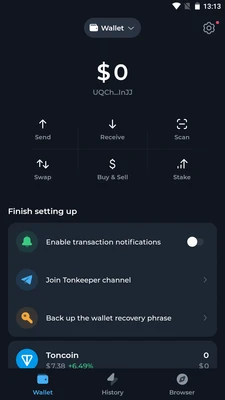
Keeper is the TON ecosystem’s flagship wallet and the default starting point for most users. In September 2026, Tonkeeper rebranded to Keeper and grew from a TON-only app into a multi-chain wallet covering seven networks: TON, Bitcoin, Ethereum, TRON, BNB Smart Chain, Arbitrum and Base. It kept its base of more than 77 million registered accounts through the change.
It is non-custodial and runs on iOS, Android, desktop and as a browser extension. The feature worth knowing is Battery, Keeper’s gasless system. It lets you pay network fees out of the token you are sending instead of needing Toncoin in the account first, which removes the most common beginner trap on TON: holding a jetton but having no TON to move it.
Who it is for: almost anyone who wants one well-supported wallet for Toncoin and a few other major chains. The trade-off is that a fast-growing, feature-rich app has more moving parts than a minimal one.
Wallet in Telegram and TON Space
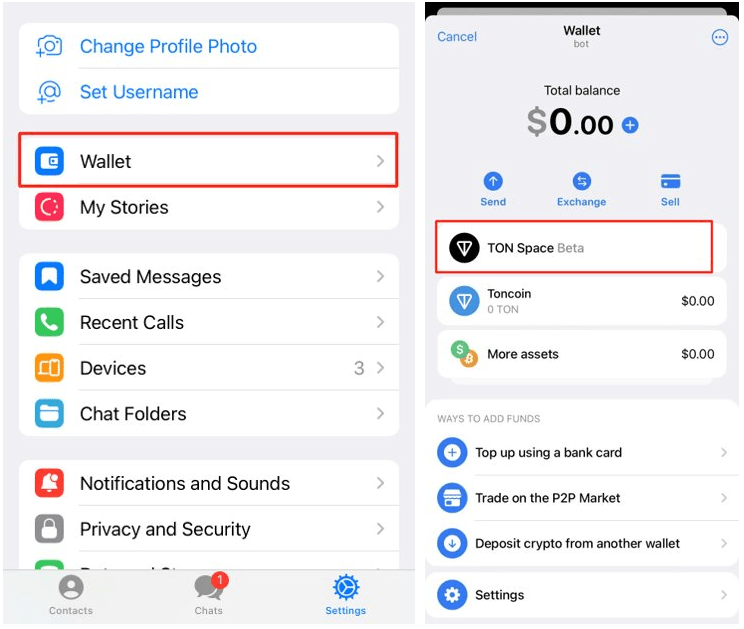
The fastest way onto TON is the Wallet built into Telegram. You open it from the attachment menu in a chat and can send Toncoin or USDT to another Telegram user almost like sending a message. It includes an in-app exchange and peer-to-peer trading to convert local currency into crypto.
The catch is custody. The standard Telegram Wallet is custodial, meaning a third party holds the keys. TON Space is the self-custodial mode inside the same interface, where you control the recovery phrase and the funds are yours alone. For anything beyond small, everyday amounts, use TON Space rather than the custodial balance.
Who it is for: newcomers and anyone who mostly sends small amounts to friends. It puts convenience first and is not where you should park a large long-term balance.
MyTonWallet (now My Wallet)
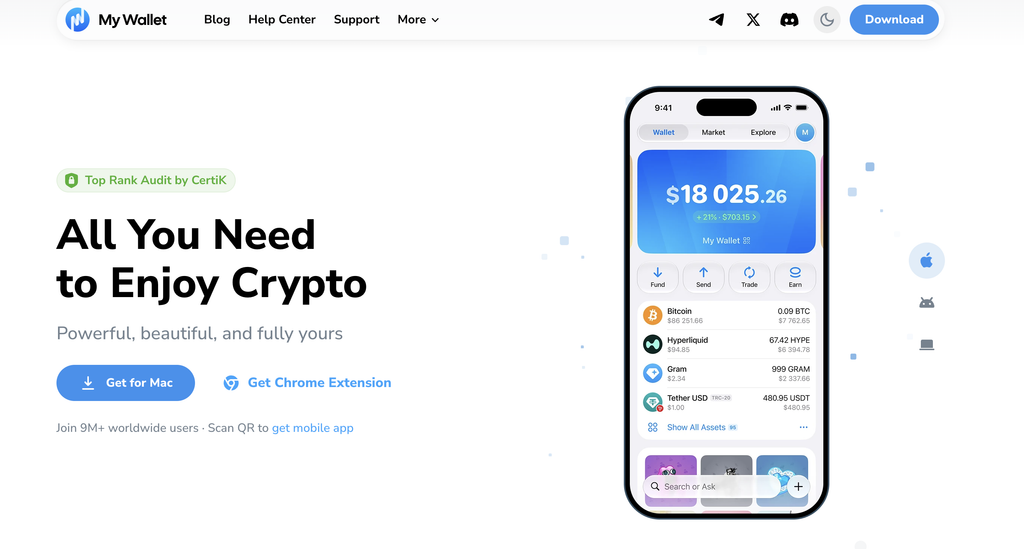
MyTonWallet is the open-source choice for power users. In June 2026 it rebranded to My Wallet and expanded to 11 blockchains, including TON, Ethereum, Solana and TRON, while existing seed phrases kept working with no migration needed.
It runs almost everywhere: iOS, Android, macOS, Windows, Linux and a browser extension. It supports Ledger hardware wallets for cold storage, along with built-in staking and token swaps. Because the code is open-source, anyone can audit it, which some users weigh heavily when trusting a wallet with real money.
Who it is for: people who want desktop and extension access, hardware support and a wallet they can inspect. There is a little more to learn than with a single-screen mobile app.
Tonhub
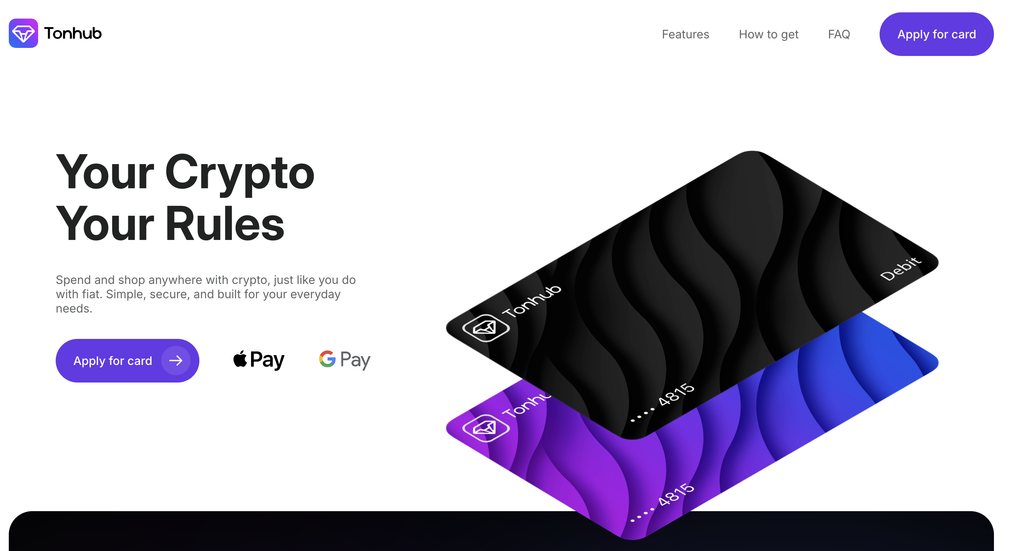
Tonhub is a simple, non-custodial mobile wallet for people who want to hold and stake Toncoin without extra features getting in the way. It supports pooled staking, basic swaps and connections to TON dApps, and it keeps the interface light.
Its main limitation doubles as its appeal: it is mobile only, with no desktop or extension version. If you live on your phone and want something lean, that is fine. If you need browser dApp access, look elsewhere.
Who it is for: mobile users who value simplicity and straightforward staking.
Trust Wallet
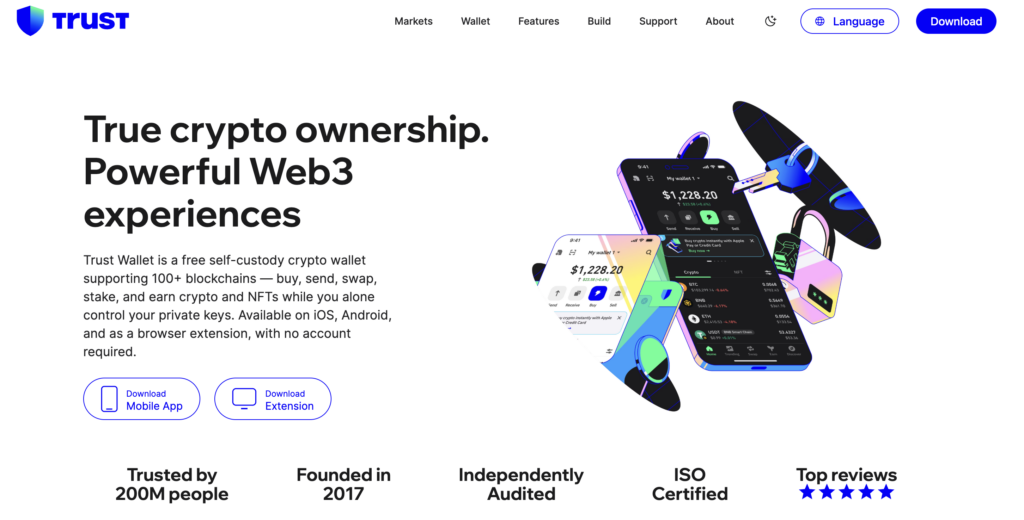
Trust Wallet is not TON-specific; it supports more than 100 blockchains. But it handles Toncoin and jettons well and makes sense if TON is only one of many coins you hold. It is non-custodial, mobile-first and includes an integrated exchange for swapping assets.
The trade-off against a native wallet like Keeper is depth. A broad multi-chain wallet tends to trail the newest TON-specific features and dApp connections, so you get convenience across many coins rather than the deepest TON experience.
Who it is for: multi-chain holders who want a single app for Toncoin alongside everything else.
Ledger
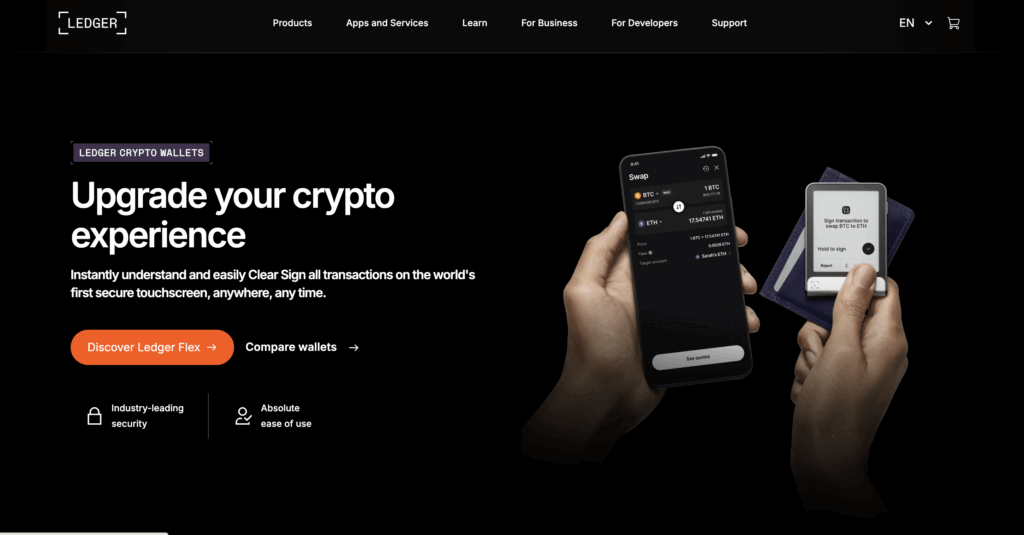
For larger balances, a hardware wallet is the safer answer. Ledger devices, including the Nano S Plus, Nano X and Stax, keep your keys offline on the device itself, so transactions are signed without the key ever touching an internet-connected machine. You manage Toncoin through the Ledger Live app over USB or Bluetooth.
Hardware wallets lack the smooth dApp experience of a mobile app, and the device costs money upfront. But for funds you rarely move, offline keys remove the biggest everyday risk: a phone or laptop that gets compromised. Ledger also pairs with software wallets such as MyTonWallet, so you can keep cold-storage security while using a familiar interface.
Who it is for: anyone holding more Toncoin than they would be comfortable losing to a hacked device.
SafePal
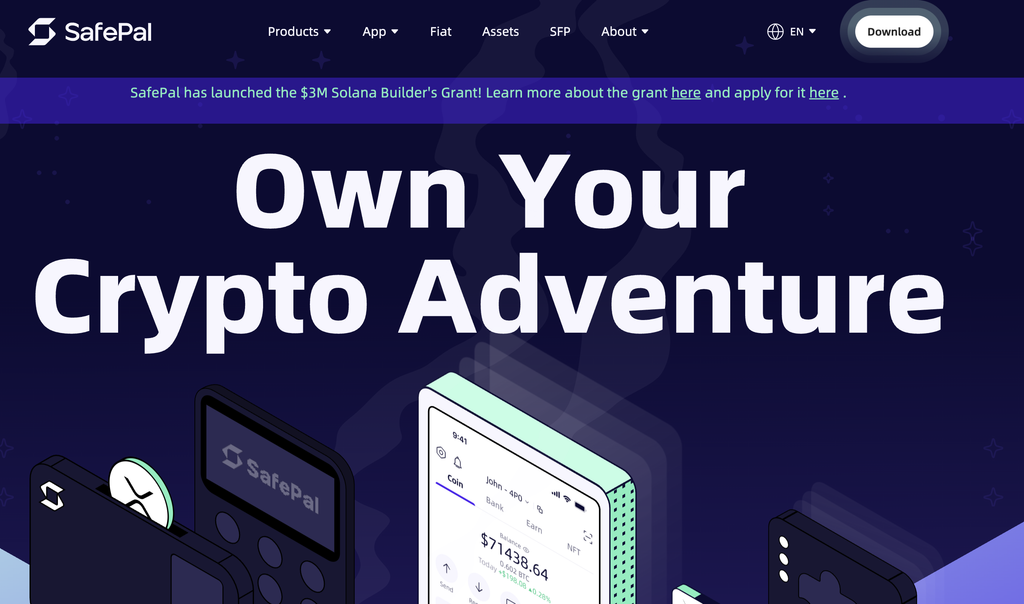
SafePal sits between software and hardware. It offers a free software wallet and a separate hardware device, the S1, and the two work together. The hardware model signs transactions air-gapped, meaning it never connects to the internet directly and exchanges data by QR code instead.
That makes SafePal a lower-cost route into hardware security, with a mobile app and browser extension for daily use and a built-in swap feature. The QR-based flow is a little slower than tapping a phone, which is the price of keeping the keys fully offline.
Who it is for: users who want hardware-level protection without Ledger’s price and do not mind a QR-based signing step.
TON wallet comparison at a glance
| Wallet | Custody | Platforms | Hardware keys | Staking | Inside Telegram |
|---|---|---|---|---|---|
| Keeper (ex-Tonkeeper) | Non-custodial | Mobile, desktop, extension | No | Yes | No |
| Telegram Wallet / TON Space | Custodial / self-custodial | Inside Telegram | No | Yes (TON Space) | Yes |
| MyTonWallet (My Wallet) | Non-custodial | Mobile, desktop, extension | Ledger | Yes | No |
| Tonhub | Non-custodial | Mobile only | No | Yes | No |
| Trust Wallet | Non-custodial | Mobile, extension | No | Yes | No |
| Ledger | Non-custodial (hardware) | Device + Ledger Live | Yes | Yes | No |
| SafePal | Non-custodial | Mobile, extension, device | Yes (S1) | Yes | No |
How to keep your TON wallet secure
A wallet is only as safe as the habits around it. A handful of rules matter more than which app you pick:
- Write your recovery phrase on paper and keep it offline. Never store it in a screenshot, a cloud note or a chat, because anyone who has the phrase has the funds.
- Download wallets only from official sites and app stores. Fake TON wallet apps and lookalike websites are common, so check the source against ton.org before installing.
- Keep large balances on a hardware wallet and use a hot wallet for spending money.
- Verify the address and the jetton contract before you send. Scam tokens copy real names and logos.
No wallet can reverse a transaction or recover a lost recovery phrase, so the responsibility sits with you.
Where NOWNodes fits for TON builders
Most people reading this just need a wallet to install. But if you are building one, or any app that reads TON balances, tracks transactions or broadcasts payments, the app needs a dependable connection to the network behind the scenes.
Running that connection yourself means syncing and maintaining backend infrastructure around the clock. NOWNodes offers API access to TON and 120+ other networks, so a team can query balances, follow transactions and send Toncoin through a hosted endpoint instead of operating the backend themselves.
For TON, NOWNodes exposes standard interfaces and developer documentation for the network. This is infrastructure for builders, not a wallet. The options above are where end users actually hold their Toncoin.
The bottom line
If you want a single recommendation, Keeper is the best TON wallet for most people in 2026: native to TON, available on every platform and forgiving about gas thanks to Battery. Start inside Telegram with TON Space if you mainly want to send Toncoin to friends. Reach for MyTonWallet if you value open-source code and desktop access, and move anything substantial behind a Ledger. In the end, the best TON wallet is the one that matches how you actually use your coins, so pair the custody model and platform to your situation and you will be in good shape.
FAQ
Which TON wallet should a beginner use?
The Wallet built into Telegram is the easiest place to start, and turning on TON Space gives you self-custody inside the same app. Move to Keeper when you want a full standalone wallet with more control.
Is a Telegram wallet the same as a TON wallet?
Not exactly. The Telegram Wallet is one way to hold TON assets, but by default it is custodial, so Telegram’s partner holds the keys. Its TON Space mode is a true self-custodial TON wallet, and standalone apps like Keeper or MyTonWallet are self-custodial from the start.
Can I store Toncoin on a Ledger hardware wallet?
Yes. Ledger supports Toncoin through Ledger Live, and you can connect a Ledger to software wallets such as MyTonWallet to sign transactions while your keys stay offline.
Do I need Toncoin to pay TON transaction fees?
Usually yes, because TON uses Toncoin for gas. Some wallets soften this: Keeper’s Battery feature and gasless options in other wallets let you pay fees out of the token you are sending, so you do not have to top up with Toncoin first.
Are TON wallets free?
Software wallets like Keeper, MyTonWallet, Tonhub and Trust Wallet are free to download and use; you only pay network fees. Hardware wallets like Ledger and SafePal charge an upfront cost for the physical device.