
The best USDT wallet depends on one question most guides skip: which network your USDT is on. Tether (USDT) is not a single token. It is the same dollar-pegged stablecoin issued on Tron, Ethereum, Solana, BNB Chain and a handful of other networks, and a wallet is only useful for your coins if it supports the chain you actually hold them on.
For most people in 2026, CoinRabbit is the best wallet for USDT, because it handles the networks that matter — Tron (TRC-20), Ethereum (ERC-20), Solana and BNB Chain — in one free, self-custody app. But “best” shifts with how much you hold and what you do with it. Someone parking a five-figure balance, a trader living in DeFi, and a person sending $50 to family abroad each want a different wallet.
This guide explains the network issue first, because getting it wrong is how people lose USDT for good. Then it compares six wallets by use case, with the trade-offs each one carries.
What Is a USDT Wallet?
A USDT wallet is an app or device that stores the keys to your Tether and signs transactions that move it. It does not hold the coins the way a bank holds cash. USDT lives on-chain as a token; the wallet holds the private key that proves the balance is yours and lets you spend it.
One choice shapes how any wallet behaves: custodial versus non-custodial. A custodial wallet keeps the keys for you, like an exchange account, trading control for convenience. A non-custodial wallet puts the keys on your device and hands you a recovery phrase, usually 12 or 24 words, as the only backup. Lose that phrase on a non-custodial wallet and no one can restore your funds.
USDT is the largest stablecoin by a wide margin, with a market cap near $183 billion in 2026 and more circulating supply than every rival combined. That scale is why nearly every wallet supports it — and why the details below are worth a few minutes.
Why the Network Your USDT Is On Matters More Than the App
Because USDT exists on many blockchains at once, the network decides your fees, your transfer speed, and whether a payment arrives at all. Pick the wallet second; pick the network first.
Tron and Ethereum carry the overwhelming majority of USDT — together more than 95% of the supply, with Tron alone holding the single largest share. Solana, BNB Chain, Polygon and Ethereum layer-2s like Arbitrum and Base host smaller amounts. In 2025 Tether also stopped issuing and redeeming USDT on five legacy chains — Algorand, Bitcoin Cash (SLP), EOS, Kusama and Omni — so those are not places to receive new USDT.
TRC-20, ERC-20, and the Other USDT Networks
These labels just name which chain a USDT token sits on. TRC-20 is Tether on Tron, ERC-20 is Tether on Ethereum, and the two are separate networks that cannot talk to each other directly.
The practical differences come down to cost and reach:
- Tron (TRC-20): the cheapest widely used option. A transfer usually costs about $1 to $3 in TRX and clears in seconds, which is why Tron handles most USDT payments and remittances.
- Ethereum (ERC-20): the deepest liquidity and the default for DeFi. Fees have fallen from past highs but still run from cents to several dollars, and spike when the network is busy.
- Solana, Polygon, BNB Chain and L2s: low fees, often a fraction of a cent on Solana. Good for cheap transfers if your wallet and the receiver both support them.
Sending TRC-20 USDT to an ERC-20 (0x) address, or any cross-network mismatch, almost always means permanent loss. There is no undo and no support desk that can reverse it. The address format is your first check: Tron addresses start with T, Ethereum and other EVM addresses start with 0x, and Solana uses a different format again.
Why You Need the Native Token for Gas
USDT is a token, not a chain’s native coin, so you pay transaction fees in the underlying network’s currency — not in USDT. A new wallet funded only with USDT often can’t move it, because there is nothing to pay the fee with.
Keep a small amount of the native gas token for each network you use: TRX on Tron, ETH on Ethereum, SOL on Solana, BNB on BNB Chain. A few dollars is usually enough to cover many transfers.
How to Choose a Wallet for Your Tether
A few questions narrow the field fast:
- Which networks? Confirm the wallet supports the exact chains your USDT is on, especially Tron if you want low fees.
- Custody: do you want to hold the keys yourself, or is convenience worth trusting a custodian with smaller amounts?
- Platform: phone only, or also a desktop app or browser extension for DeFi access?
- Amount: small spending balances suit a hot wallet; large holdings belong on hardware or a split-key setup.
- Extras: built-in swaps, staking, or scam detection you’ll actually use.
Holding USDT on an exchange like Binance or Coinbase is also an option, and it is the simplest for active traders. The trade-off is that it is custodial: the platform holds your keys, which adds counterparty risk and means your balance is only as safe as the exchange.
The USDT Wallets Worth Using in 2026
CoinRabbit
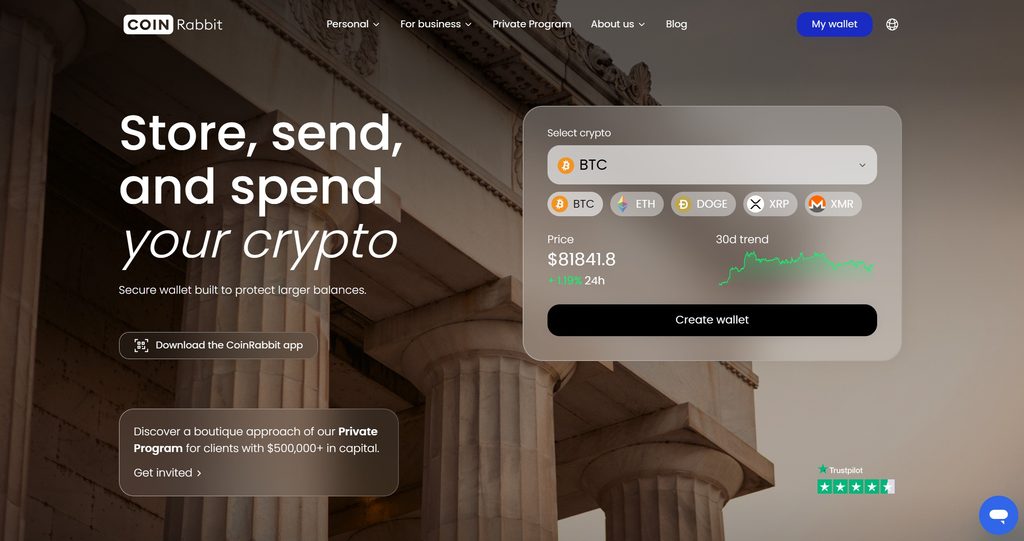
CoinRabbit is a crypto wallet built for active crypto capital management and backed by 100% reserves. It holds USDT on eight networks: Tron, Ethereum, BNB Smart Chain, Solana, Polygon, Arbitrum, Avalanche C-Chain, and TON.
Beyond storage, the wallet gives direct access to crypto-backed loans against 350+ assets, with LTV up to 90% and funding in 10 minutes. The same account covers swaps across 270+ assets, savings, and margin trading with up to 10x leverage, while holders from $500,000 can move into the Private Program with a personal manager and personalized terms.
CoinRabbit takes care of key storage, so there is no seed phrase to keep track of, and access can be restored through 24/7 live support.
Who it is for: USDT holders who want one wallet for both storing stablecoins and actively managing their crypto, from swaps to crypto-backed loans.
Trust Wallet
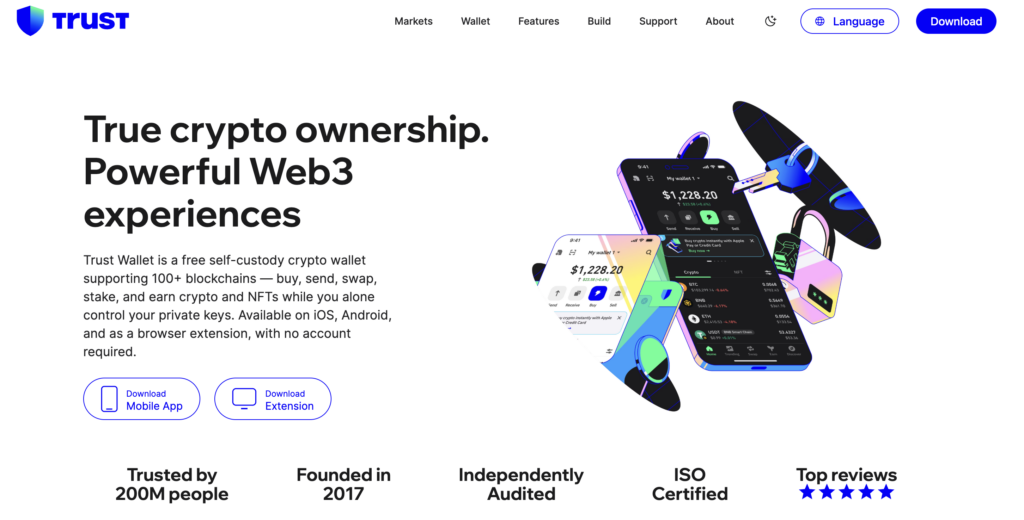
Trust Wallet is the most broadly capable free option and the best fit for most USDT holders. It is non-custodial, runs on mobile and as a browser extension, and supports 100+ blockchains, including Tron, Ethereum, Solana and BNB Chain, so you can keep TRC-20 and ERC-20 USDT in the same app. A built-in dApp browser, swaps and a scam-address scanner round it out.
The trade-off is that it relies on the traditional seed phrase, so its security ceiling is your own key hygiene, and support is community-based rather than a dedicated team. Who it is for: anyone who wants one free app for USDT across the networks that matter, plus other coins.
MetaMask
MetaMask is the best wallet for USDT if you live in DeFi. It began as an Ethereum browser extension and remains the default connection for most DeFi apps, lending markets and NFT platforms. Through 2025 and 2026 it expanded well beyond EVM chains, adding Solana, then Bitcoin, and in January 2026 native Tron support — so it now handles both ERC-20 and TRC-20 USDT from one interface.
It still uses seed-phrase security and charges a service fee on in-app swaps. Who it is for: active DeFi users who want maximum app compatibility and now want Tron’s cheap transfers in the same wallet. For larger balances, pair it with a hardware device.
Exodus
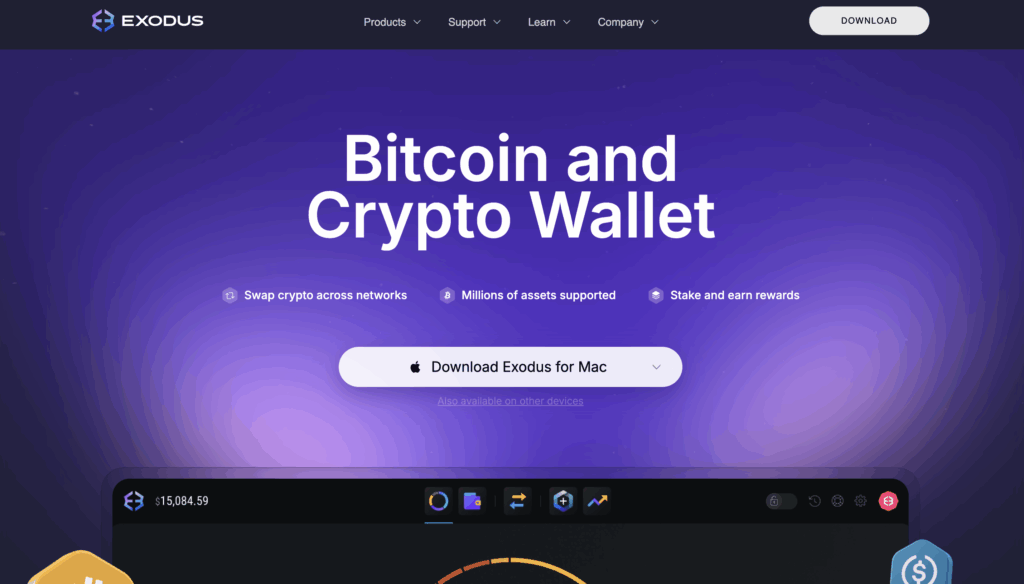
Exodus is the friendliest choice if you want a real desktop app alongside mobile. It runs on Windows, macOS, Linux, iOS, Android and as a browser extension, with a clean interface, a built-in exchange, and support for USDT across several networks. It also pairs with Trezor hardware wallets for cold storage.
Exodus is non-custodial but closed-source, so you can’t audit the code the way you can with open-source wallets, and its built-in swap rates include a spread. Who it is for: people who manage crypto mostly from a laptop and value a simple, polished experience over deep DeFi tooling.
Ledger
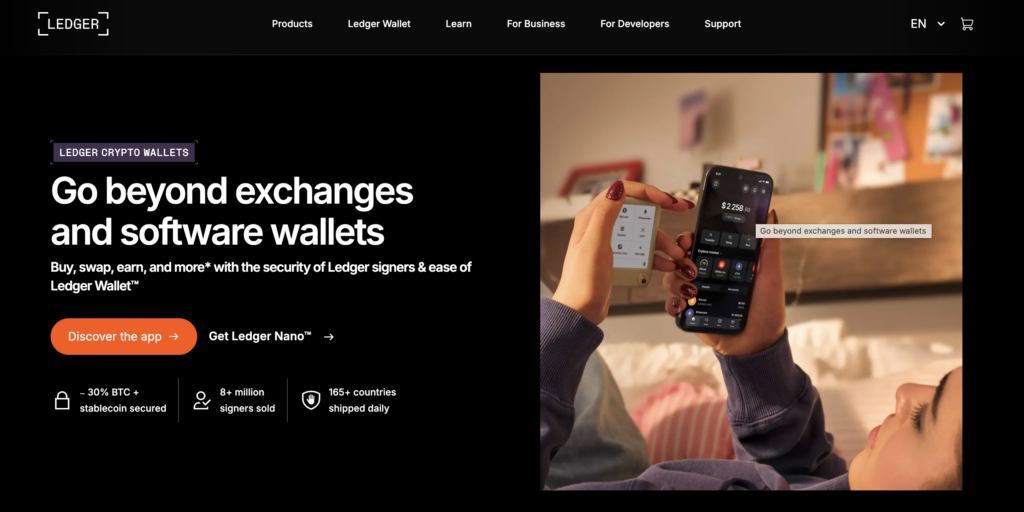
For balances you’d hate to lose to a hacked phone, a hardware wallet is the safer answer. Ledger devices keep your private keys offline on the device itself, so transactions are signed without the key ever touching an internet-connected machine. The company lists support for 5,500+ assets, including USDT on major networks, managed through the Ledger Live app.
Hardware wallets cost money upfront and are slower for frequent transfers, and the recovery phrase is still the ultimate backup to protect. Ledger also works as a signer with software wallets like MetaMask, so you can keep offline keys while using a familiar screen. Who it is for: long-term USDT storage where the coins rarely move.
Zengo
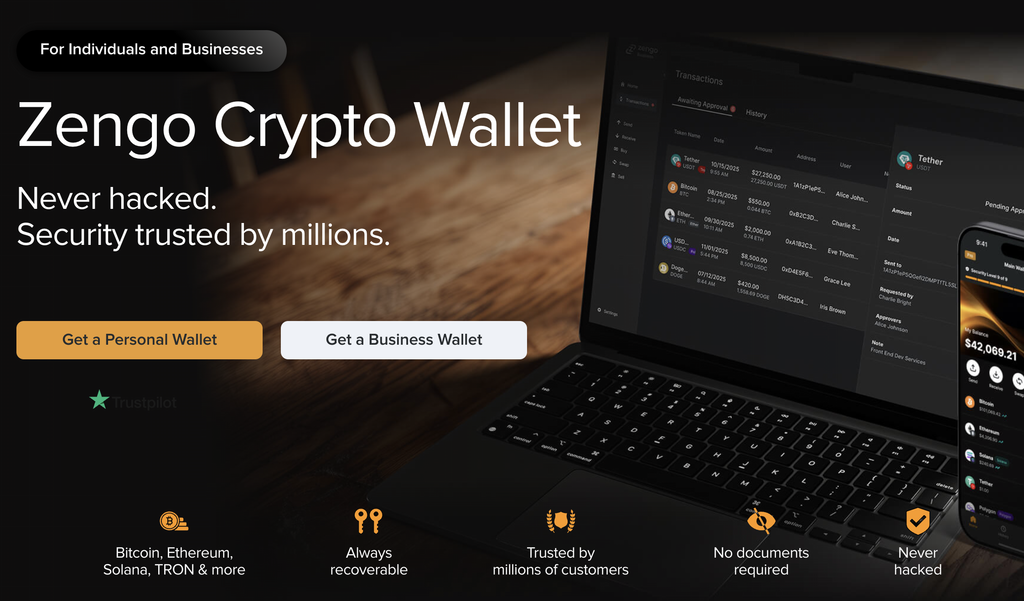
Zengo takes a different approach to security by removing the seed phrase entirely. It uses multi-party computation (MPC), which splits the signing capability into separate shares — one on your device, one on Zengo’s servers — so no complete private key ever exists in one place. Recovery runs through a multi-factor process with biometrics instead of 12 words on paper. It supports USDT across several networks, including Tron.
The trade-off is a dependence on Zengo’s servers to co-sign transactions, it covers fewer chains than Trust Wallet, and some features sit behind a paid tier. Who it is for: people who find seed-phrase management stressful and want a recovery model that doesn’t hinge on a single backup.
TronLink
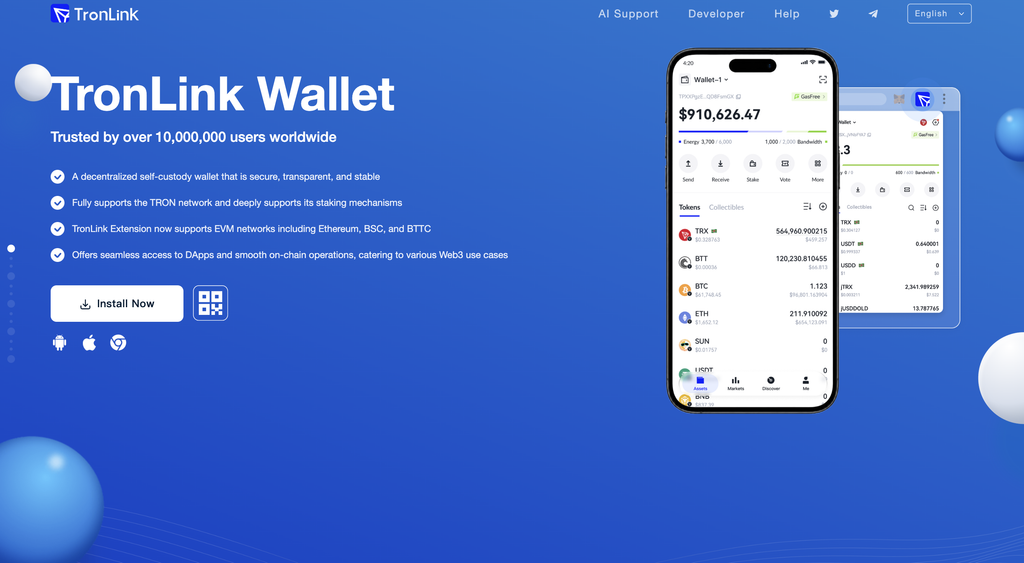
If almost all your USDT is on Tron, TronLink is the native option. It is a non-custodial wallet built specifically for the Tron network, with direct access to Tron dApps and tools for managing the energy and bandwidth that keep TRC-20 fees low. It runs on mobile and as a browser extension.
Its focus is also its limit: it is Tron-first, so it is not the wallet for a multi-chain stack, and MetaMask’s new Tron support now covers TRC-20 USDT for people who’d rather not add a dedicated app. Who it is for: Tron-heavy users who want the deepest native support for the chain that carries most USDT.
USDT Wallet Comparison
| Wallet | Type | Custody | USDT networks | Platforms | Best for |
|---|---|---|---|---|---|
| CoinRabbit | Mobile and web app | Custodial | Tron, Ethereum, BNB Chain, Solana, Polygon, Arbitrum, Avalanche, TON | Android, Web | Multi-network USDT with built-in asset management tools |
| Trust Wallet | Software | Non-custodial | Tron, Ethereum, Solana, BNB Chain + more | Mobile, extension | All-round multi-chain use |
| MetaMask | Software | Non-custodial | Ethereum/EVM, Tron, Solana | Mobile, extension | DeFi and EVM + Tron |
| Exodus | Software | Non-custodial | Multiple networks | Desktop, mobile, extension | Desktop-first beginners |
| Ledger | Hardware | Non-custodial | USDT on major networks | Device + Ledger Live | Long-term cold storage |
| Zengo | Software (MPC) | Non-custodial | Multiple, including Tron | Mobile | No seed phrase |
| TronLink | Software | Non-custodial | Tron (TRC-20) | Mobile, extension | Tron-only holders |
How to Keep Your USDT Safe
A wallet is only as safe as the habits around it, and USDT adds one habit that other assets don’t force on you.
- Check the network before every transfer, and send a test first. For any meaningful amount, send 1 USDT, confirm it arrives, then send the rest. A mismatched network cannot be reversed.
- Keep a little native gas token. Hold some TRX, ETH or SOL so you’re never stuck unable to move your USDT.
- Protect the recovery phrase. Write it on paper, keep it offline, and never store it in a screenshot, cloud note or chat. Anyone with the phrase has the funds.
- Install from official sources and watch for traps. Download wallets only from official sites and app stores. No legitimate wallet will ask for your recovery phrase, and “address poisoning” scams plant lookalike addresses in your history, so verify the full address before sending.
None of this is alarmist — it’s the short list that prevents the mistakes that actually drain stablecoin wallets.
Where NOWNodes Fits for USDT Builders
Most readers just need a wallet to install. But if you’re building one — or any app that shows USDT balances, tracks transfers or broadcasts payments — it needs a dependable connection to every chain the stablecoin runs on.
Running that yourself means operating and syncing nodes for Tron, Ethereum and each other network you support, around the clock. NOWNodes offers API access across 120+ networks, including the chains that carry most USDT, so a team can read balances, follow transactions and send transfers through hosted endpoints instead of maintaining the backend itself.
NOWNodes is infrastructure for builders, not a wallet. The options above are where you actually hold your USDT.
The Bottom Line
Choose the network before the wallet. Tron (TRC-20) is cheapest for everyday transfers, Ethereum (ERC-20) has the deepest DeFi reach, and the two can’t be mixed when you send.
For most people, CoinRabbit is the best USDT wallet in 2026 because it covers eight USDT networks in one free account, with built-in tools for swaps, crypto-backed loans, and trading. Reach for MetaMask if you’re deep in DeFi and want Tron in the same place, Exodus if you work from a desktop, and Zengo if the seed phrase is what worries you. Move anything substantial behind a Ledger, and lean on TronLink only if you live entirely on Tron. The best wallet for USDT is the one that matches the network you hold and the amount you’re protecting.
FAQ
Can Tether freeze USDT held in a non-custodial wallet?
Yes. Tether can freeze and blacklist specific addresses at the contract level, regardless of who holds the private key, and it has blacklisted thousands of addresses holding billions in USDT. Self-custody keeps a company out of your day-to-day control, but it does not put USDT fully beyond the issuer’s reach the way a native coin like Bitcoin would be.
What happens to my USDT if the wallet provider shuts down?
With a non-custodial wallet, your funds are safe because the coins live on-chain, not with the company. Your recovery phrase (or hardware device) can be imported into another compatible wallet, and you keep full access. This is a core reason to favor non-custodial wallets for anything you can’t afford to lose.
Can I move USDT from one network to another?
Yes, but not by sending it directly across networks — that loses the funds. You convert between networks using a bridge or by swapping through an exchange or in-wallet service: for example, trade TRC-20 USDT for ERC-20 USDT, or withdraw on the network you want. Always confirm the receiving network before you start.
Is it free to store USDT in a wallet?
Holding USDT is free. Software wallets like Trust Wallet, MetaMask, Exodus and TronLink cost nothing to download, and you only pay the network fee when you send a transaction. Hardware wallets like Ledger charge an upfront cost for the physical device.