
There is no single best Ethereum wallet. The right one depends on what you actually do with ETH: minting an NFT, farming yield in DeFi, holding for years, or sharing control of a team treasury all point to different tools. This guide compares the wallets worth considering in 2026, grouped by use case, and shows how to match one to your activity and risk level.
A quick map before the details. If you mostly connect to apps, a browser-based software wallet fits. If you hold a large amount long-term, a hardware wallet keeps your keys offline. If several people manage shared funds, a multi-signature smart account spreads out approval. Most people end up using more than one.
What Is an Ethereum Wallet?
An Ethereum wallet is software or hardware that manages your private keys and lets you send, receive, and interact with ETH and tokens. It does not store your coins. Those live on the Ethereum blockchain; the wallet holds the keys that prove you control an address and can authorize transactions from it.
Behind the scenes, your wallet talks to the network through an RPC node — a server that reads blockchain data and broadcasts your signed transactions. Most wallets ship with default endpoints run by infrastructure providers, which is why you can install a wallet and start using it without running anything yourself. Providers such as NOWNodes supply that Ethereum RPC access to wallets, explorers, and apps.
Access to the wallet itself usually runs through a seed phrase: 12 to 24 words, generated at setup, defined in the BIP-39 standard that most wallets follow. Anyone with that phrase controls the funds. That single fact drives most of the security advice later in this guide.
Hot, Cold, and Smart Wallets: What’s the Difference?
Ethereum wallets fall into three groups, and the differences matter more than any brand name.
- Software (hot) wallets keep your keys on an internet-connected device — a phone, a browser extension, a desktop app. They are convenient and free, but the keys share space with everything else on that device.
- Hardware (cold) wallets store keys on a dedicated offline device and sign transactions on the device itself. A connected app prepares the transaction; the device confirms it. The keys never touch the internet.
- Smart accounts and multisig wallets use a smart contract to define how a transaction gets approved — for example, two of three signers. Control is shared instead of resting on one key.
These categories combine. You can connect a hardware device to a software interface, or make a hardware wallet one of the signers on a multisig account. The point is to match the setup to how much you hold and how often you move it. For a deeper look at who actually holds your keys, see our explainer on custodial versus non-custodial wallets.
Ethereum Wallet Comparison for 2026
| Wallet | Type | Platforms | Best for | Price |
|---|---|---|---|---|
| Guarda Wallet | Software (hot) | Web, Windows, macOS, Linux, iOS, Android, browser extension | Multi-chain activity | Free |
| MetaMask | Software (hot) | Browser, iOS, Android | DeFi and dApps on Ethereum and EVM chains | Free |
| Rabby | Software (hot) | Browser, iOS, Android | Previewing DeFi transactions before signing | Free |
| Trust Wallet | Software (hot) | iOS, Android, browser | A wide token range on mobile | Free |
| Exodus | Software (hot) | Windows, macOS, Linux, iOS, Android | Desktop users, including Mac | Free |
| Ledger | Hardware (cold) | USB/Bluetooth + desktop & mobile app | Long-term holders who still use DeFi | From ~$79 |
| Trezor | Hardware (cold) | USB + desktop & mobile | Open-source hardware fans | From ~$49 |
| Safe | Smart account (multisig) | Web, mobile | Teams, DAOs, shared treasuries | Free (pay gas) |
Software wallets let you start without buying anything. “Free” refers to the download, not the activity. Sending ETH or using a contract still costs gas, and some built-in swaps or buys carry their own fees.
The Top Ethereum Wallets for 2026, by Use Case
Guarda Wallet — Best for Multi-Chain Activity
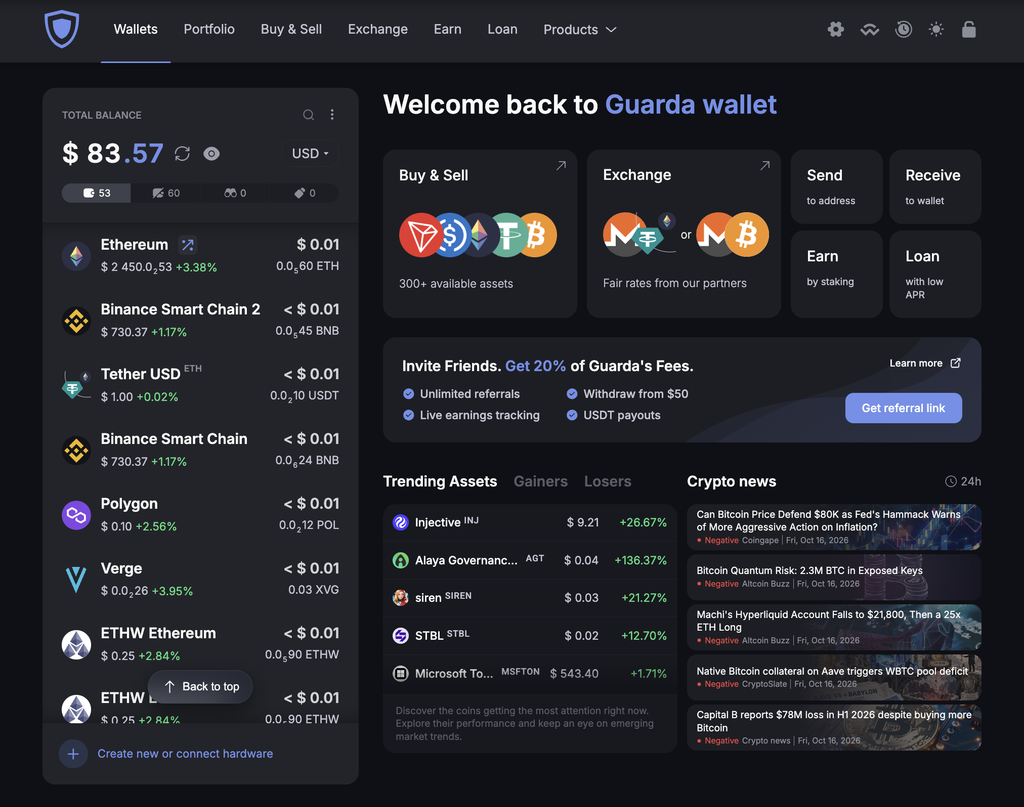
Guarda is a self-custodial crypto wallet for managing ETH and ERC-20 assets alongside Bitcoin, Monero, and XRP. You can swap assets and stake ETH within Guarda, or use WalletConnect on web and mobile to review and approve transactions from compatible Ethereum dApps. Desktop apps and a browser extension are also available.
Network fees appear before confirmation, and Guarda reports a success rate of at least 99.9% for sends and balance updates. Human support is available 24/7 when an operation needs troubleshooting. Software-held keys stay on an internet-connected device, so protecting your device and credentials remains your responsibility. For hardware signing, you can manage a Ledger-backed Ethereum wallet through Guarda Web, confirming transactions on the hardware device while its private keys remain offline.
MetaMask — Best for DeFi and dApps
MetaMask is the default wallet for interacting with Ethereum applications. If you have ever swapped on a DEX or minted an NFT, you have probably used it. It runs as a browser extension and a mobile app, and it connects to Ethereum plus EVM-compatible networks such as Arbitrum, Base, and Optimism.
Its reach is the main draw: almost every Ethereum app supports a MetaMask connection out of the box. The trade-off is that it is a hot wallet, so the keys sit on a connected device. A MetaMask connection also does not mean the app on the other end is safe, so permissions and network selection need attention. For larger balances, many people pair MetaMask with a hardware device and use it only as the interface.
Rabby — Best for Previewing What You Sign
Rabby is an open-source wallet for Ethereum and EVM networks, built by the team behind DeBank. Its standout feature is transaction simulation: before you confirm, it shows the expected change to your balances, so you can see which assets should leave and enter your account.
That preview is useful for anyone active in DeFi, where a single bad approval can drain a wallet. Two caveats are worth keeping in mind. A simulation is a prediction, not a guarantee — the final result can differ. And a transaction that simulates cleanly is not proof that the contract behind it is trustworthy.
Trust Wallet — Best Mobile Wallet for a Wide Token Range
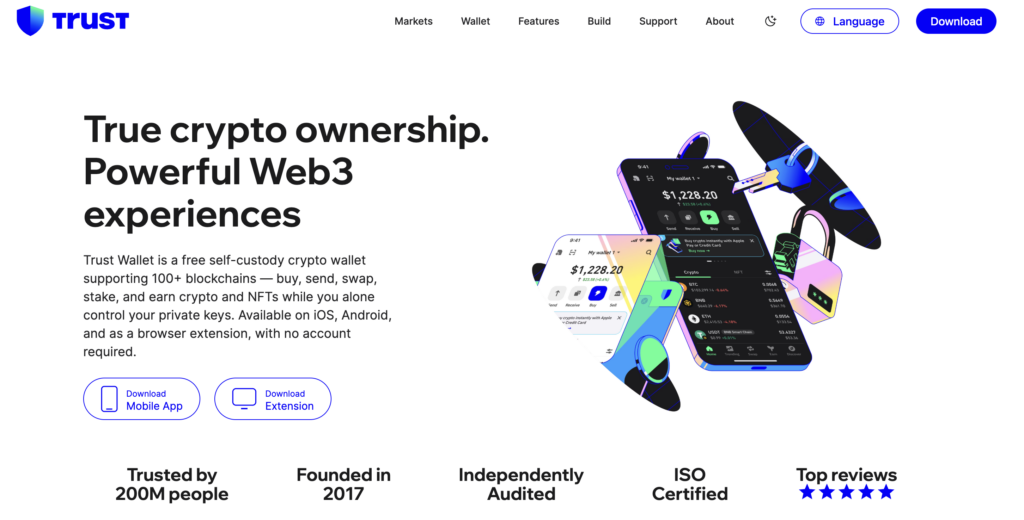
Trust Wallet is a mobile-first, non-custodial wallet owned by Binance, with a browser extension alongside the app. It leans on breadth: the project says it supports over 10 million tokens across 100-plus blockchains, which makes it a practical home for a mixed portfolio that spans Ethereum, Bitcoin, Solana, and more.
You can stake supported assets, hold NFTs, and browse Web3 apps from inside the wallet, and its core cryptographic library (Wallet Core) is open source. It also integrates with Ledger for users who want to keep the larger holdings on a hardware device. The limitation is typical of any hot wallet: your keys live on your phone, so a compromised device or a fake Trust Wallet app is the real risk, not the wallet’s design.
Exodus — Best Desktop Wallet, Including on Mac
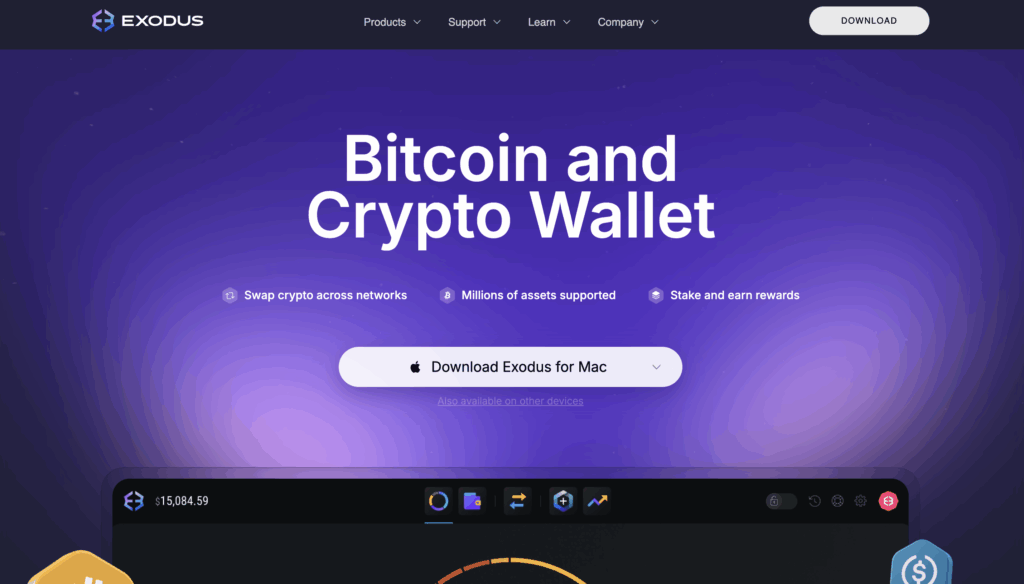
Exodus is one of the few major wallets with a genuine native desktop application for Windows, macOS, and Linux, alongside iOS, Android, and a Chrome extension. That makes it a straightforward answer for anyone searching for a desktop or Mac wallet rather than a browser-only option.
The interface is clean and beginner-friendly, with a built-in swap, staking, portfolio tracking, and an NFT view. Exodus supports a curated set of a few hundred assets, and you can add custom tokens by contract address. Its Trezor integration has been in place since 2018 and is among the smoothest available, letting you keep keys on a hardware device while using the Exodus interface. Two things to weigh: the wallet is not fully open source, and its built-in swaps can cost more than a centralized exchange.
Ledger — Best Hardware Wallet for Long-Term Holders
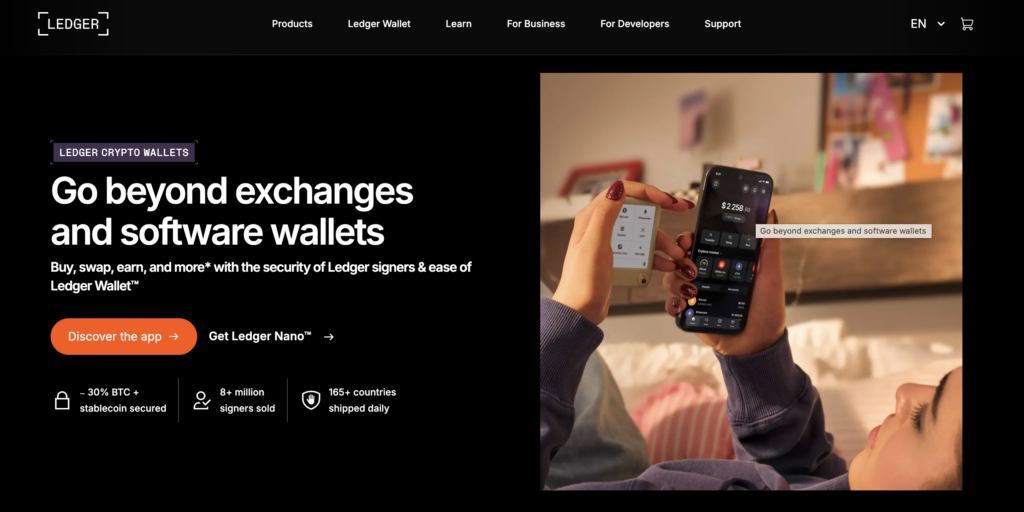
Ledger is the most common hardware wallet and a sensible default if you are holding ETH for the long term but still want DeFi access. Its devices store keys in a certified Secure Element chip and sign transactions on the device, so even a compromised computer cannot move funds without physical confirmation. This is the setup that fits the common request for a hardware wallet that works with DeFi and MetaMask and supports thousands of tokens: Ledger connects to MetaMask for app access and covers several thousand assets.
The range runs from the entry-level Nano S Plus (around $79) to touchscreen models like the Flex and Stax (up to around $399), all sharing the same chip-level security. Honest caveats belong here too. Ledger had a customer-data leak in 2020, and its opt-in Ledger Recover service changed the trust model for some users. A hardware wallet also adds a physical confirmation step and a recovery backup you must protect — and it never makes a malicious transaction safe if you approve it yourself.
Trezor — Best Open-Source Hardware Wallet
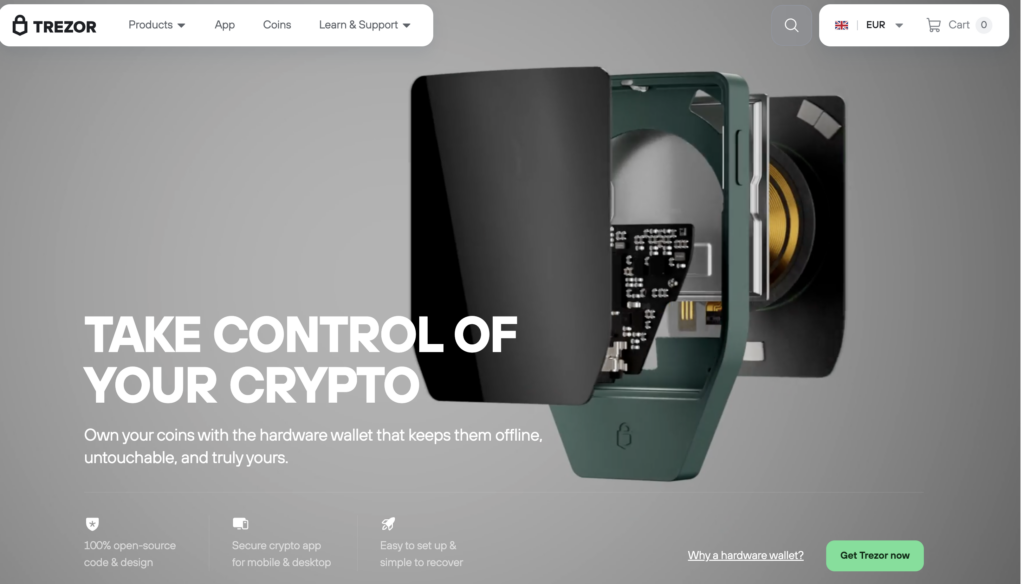
Trezor, made by SatoshiLabs, was the first hardware wallet and has built its reputation on transparency — its firmware and software are open source and publicly auditable. The current Safe line adds a Secure Element chip; the Safe 5 includes a touchscreen, and the cheaper Safe 3 starts around $49. For Ethereum, pick the universal model rather than a Bitcoin-only edition.
It is a strong choice if open-source verifiability is a priority for you. The trade-offs: Trezor generally supports fewer assets than Ledger, and device management on iOS is more limited, which matters if your activity depends on an iPhone.
Safe — Best for Teams and Shared Treasuries
Safe (formerly Gnosis Safe) is the standard smart-account wallet for shared funds. Instead of one private key, a Safe requires a set number of approvals from a group of signers — for instance, two of three — before a transaction executes. DAOs, Web3 teams, and project treasuries rely on it to avoid single points of failure.
It is overkill for a personal ETH stash, and it introduces its own responsibilities. You need clear rules for signers and recovery, operations can stall if you cannot gather enough signatures, and keeping every signing key on the same device quietly defeats the purpose. Security here depends as much on how the signers are organized as on the contract itself.
How Do You Choose an Ethereum Wallet?
Start with your usual activity rather than a ranking. The decision gets simpler when you match the wallet to the job.
- Connecting to apps and exploring Ethereum: MetaMask is the general-purpose option, with Rabby as an alternative when you want a transaction preview.
- A wide token range on mobile: Trust Wallet keeps many networks in one app.
- A desktop wallet, including on Mac: Exodus offers a native app with a built-in swap and Trezor support.
- Long-term holdings: Ledger or Trezor keep keys offline, and both can connect to a software interface for occasional DeFi use.
- Shared control of funds: Safe lets a group define approval rules.
One habit helps regardless of brand: separate the funds you hold from the funds you use to interact with apps. A spending wallet with small balances limits what a bad signature can reach. That separation has to be real, though — importing the same seed phrase into two apps gives you one wallet in two places, not two independent wallets.
How to Keep Your Ethereum Wallet Secure
The wallet is rarely the weak point. Most Ethereum losses come from users authorizing transactions they should not have. Scam Sniffer’s 2025 report counted $83.85 million stolen through wallet-drainer phishing across 106,106 victims, down 83% from the prior year, with malicious approval and “permit” signatures the most common trick. As the report put it, the <q>drainer ecosystem remains active</q> even as individual scams come and go. The single largest crypto theft of the year, the $1.46 billion Bybit incident, came from signers approving a spoofed transaction — not from broken wallet software.
A few concrete habits cover most of that risk:
- Guard the seed phrase. Write it down offline, never type it into a website, and never share it. No legitimate wallet or support agent will ask for it.
- Download from official sources. Start at the project’s real domain and verify the developer before installing an app or extension. Fake wallet apps are a recurring problem.
- Read what you sign. Check which asset you are approving and how much access an app is requesting. Avoid blind signing, and revoke old approvals you no longer need.
- Mind the network. ETH on Ethereum and ETH on a Layer 2 are separate balances, even when the address looks identical.
- Send a small test first. Before moving a large amount, send a small transfer and confirm it on an Ethereum block explorer.
Builders and power users have one more lever: a wallet’s default RPC endpoint can be swapped for a custom one. Pointing MetaMask at a dedicated Ethereum endpoint can help with reliability or privacy when you are running an app or testing against a specific network. For everyday holding, the default endpoint is fine — this matters mainly for development work.
The Bottom Line
The best Ethereum wallet for you is the one that matches how you use ETH. For daily DeFi and app access, MetaMask or Rabby do the job; Trust Wallet and Exodus cover mobile and desktop portfolios; Ledger and Trezor protect long-term holdings offline; and Safe handles shared funds. Pair a hot wallet with a hardware device as your balance grows, keep your seed phrase offline, and verify every transaction before you sign. The tool matters less than the habits around it.
FAQ
Is a Free Ethereum Wallet Safe to Use?
Yes. The leading software wallets are free and non-custodial, meaning you hold your own keys. Safety depends mostly on your habits — protecting your seed phrase, downloading from official sources, and checking what you sign — rather than on the price. “Free” refers to the wallet itself; sending ETH and using contracts still costs network gas.
Can One Wallet Hold ETH, ERC-20 Tokens, and NFTs Together?
Yes. A single Ethereum address can hold ETH, ERC-20 tokens, and NFTs at the same time, and most wallets display all three. Newer or less common tokens sometimes need to be added manually by their contract address before they appear.
What Happens to My Crypto If the Wallet Provider Shuts Down?
With a non-custodial wallet, your funds stay on the blockchain, not with the company. If the provider disappears, you can restore access by importing your seed phrase into another compatible wallet that follows the same standard. This is exactly why the seed phrase matters more than the app.
Can I Use the Same Wallet on Ethereum and Layer 2 Networks Like Arbitrum or Base?
Usually yes. Most Ethereum wallets support Layer 2 networks such as Arbitrum, Base, and Optimism, and your address can be the same across them. The balances are separate, though — seeing the same address on two networks does not mean your assets moved between them. Moving funds between layers requires a bridge.
Do I Need a Hardware Wallet If I Only Hold a Small Amount of ETH?
Not necessarily. For small balances and active app use, a reputable software wallet is reasonable and far more convenient. A hardware wallet becomes worth the cost and extra step once the amount you hold is large enough that losing it would genuinely hurt, or when funds are meant to sit untouched for the long term.