
So you’ve got some Monero to stash — where does it actually go? That’s the question this whole guide is built around, and it matters more than most people give it credit for. Monero (XMR) is still the privacy coin everything else gets measured against, but here’s the catch: all that privacy baked into the chain can be quietly undone by one bad wallet pick. Choose wrong and you either leak your data or hand your keys to someone who has no business holding them.
Finding the best Monero wallet isn’t about grabbing the flashiest app — it’s about matching the wallet to how you actually use XMR. This guide runs from the ground up: what a Monero wallet even is, what makes one safe, whether that Trust Wallet on your phone will hold XMR at all, and the best Monero wallets in 2026 across desktop, mobile, and cold storage. First wallet or fifth, same goal.
One heads-up before we dive in. Two wallets that used to headline these lists are basically gone now — so what follows is what still holds up in 2026, not what worked a couple of years back.
What Is a Monero Wallet?
Let’s clear up the thing that trips up almost everyone first. Your Monero wallet doesn’t actually hold your XMR. The coins live on the blockchain — always have, always will. What the wallet holds is the set of private keys that prove those coins are yours and let you move them.
Sounds like a technicality, but it’s the whole game. Whoever holds the keys holds the money. So picking a wallet is really picking who controls your keys: you, or somebody else.
Monero wallet: software — or a hardware device paired with software — that creates and stores the private keys you use to send, receive, and view XMR. It handles keys, not coins. Your XMR never leaves the Monero blockchain.
Why Monero Wallets Work Differently
Here’s why you can’t just grab any old wallet and pour XMR into it. Monero forces privacy onto every transaction — it isn’t a setting you flip. Stealth addresses and Ring Confidential Transactions (RingCT) hide the sender, the receiver, and the amount, every single time, automatically.
All that cryptography changes how a wallet builds and reads a transaction, so the wallet has to be written for Monero specifically. A generic multi-coin app can’t just bolt XMR on the way it adds another token — the address format and the whole scanning process are different animals.
There’s also a quirk worth knowing. Monero splits your keys in two: a view key that can see money coming in, and a spend key that signs money going out. Some lightweight wallets hand your view key to a remote server so it can scan the chain for you. Convenient, sure — but now that server can see what you’re receiving. Keep it in the back of your mind, because it comes up again.
What Makes a Monero Wallet Safe?
“Safe” isn’t a single checkbox. It’s a handful of things stacked together, and the safest Monero wallet for you is the one that hands you real control — over your keys and over how you reach the network — without asking you to trust people you’ll never meet.
Andreas Antonopoulos, the guy who wrote Mastering Bitcoin and has spent years teaching this stuff, boiled it down at a 2017 talk in Kuala Lumpur: “Not your keys, not your Bitcoin.” Swap in XMR and nothing changes — if some service holds your keys, what you’ve got is an IOU, not your coins.
The Non-Negotiables
A few things sort the trustworthy wallets from the ones you’ll regret. Run through these before you download anything:
- Open-source code. Anyone can read it, so bugs and backdoors get spotted. A closed-source privacy wallet is asking you to trust what you can’t check — an odd ask for a privacy tool.
- You hold the keys. Non-custodial, full stop, with a seed phrase shown to you at setup that nobody else has.
- Node choice. You should be able to point it at your own node or a trusted one, not get locked to whatever single server the app ships with.
- It’s actually maintained. Monero hard-forks about twice a year, and an abandoned wallet just quits working after one. The official Monero GUI is on the 0.18.x “Fluorine Fermi” line (0.18.5.0 as I write this), and a recent update even patched Ledger-specific bugs — so yeah, the software’s alive and moving.
And there’s a bigger reason to care about that last one right now. Monero is mid-way through rolling out FCMP++ (Full-Chain Membership Proofs), its biggest cryptographic shake-up since RingCT, built to blow the anonymity set out from 16 decoys to potentially the entire chain. Wallets need updating to keep up. A maintained wallet isn’t a nice extra here — it’s the line between working and bricked after the next fork.
The Best Monero Wallets in 2026
This shortlist of the best Monero wallets 2026 has to offer breaks into three camps: full-node desktop, lightweight desktop or mobile, and hardware for cold storage. Here’s the rundown, and why each one’s on it.
| Wallet | Type | Platforms | Best for |
|---|---|---|---|
| Guarda | Multi-coin, non-custodial | Desktop, mobile, web, extension | Holding XMR alongside many coins |
| CoinRabbit | Custodial, cold storage | Web, Android | Secure storage with built-in crypto loans |
| Monero GUI | Full-node desktop | Windows, macOS, Linux | Maximum privacy, full control |
| Feather Wallet | Lightweight desktop | Windows, macOS, Linux, Tails | Power users, air-gapped signing |
| Cake Wallet | Mobile + desktop | iOS, Android, desktop | Everyday use, beginners |
| Monerujo | Mobile | Android | Android-first spenders |
| Ledger / Trezor | Hardware + companion app | via Monero GUI or Feather | Long-term cold storage |
One thing before the details, because it catches people out. MyMonero — a fixture on older lists — is on its way out. The project told users to move to Cake Wallet and said its server-side data would be wiped for good by 6 February 2026. Exodus, another old favorite, dropped XMR entirely on 18 August 2025. Neither has any business on a 2026 list, so don’t go looking for them here.
CoinRabbit – Custodial XMR Storage With Built-In Loans
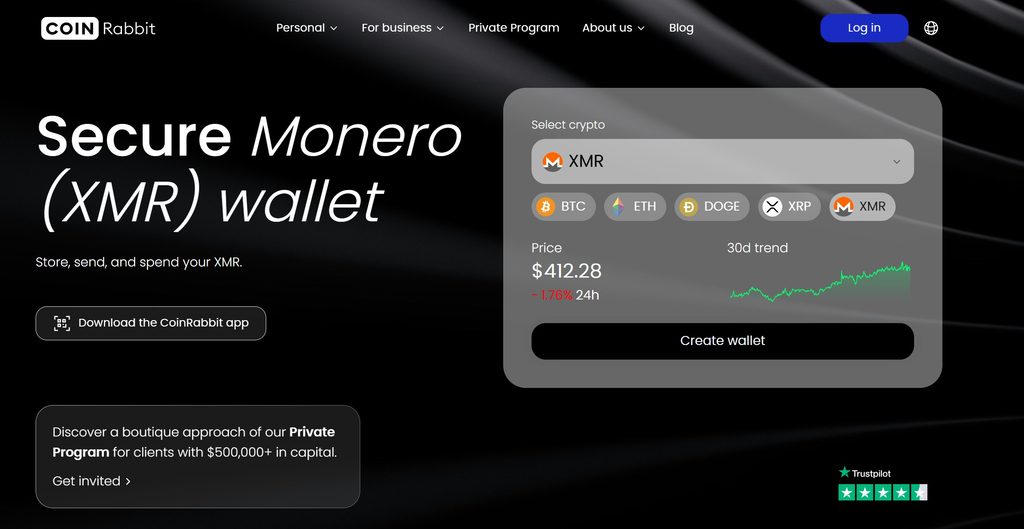
Most XMR wallets stop at storing and sending. CoinRabbit runs a custodial wallet inside a wider platform, so the same Monero you hold can also back a loan, get swapped, or earn yield without leaving the account.
Custodial is the trade-off, and for a lot of Monero users that alone is a dealbreaker. What you get back is a different failure mode: lose your device or your credentials and access is restored through support with 2FA, with no seed phrase to misplace. XMR sits in cold storage backed by 100% reserves, under a no-rehypothecation policy, and the account is protected by two-factor authentication, biometrics, passkeys and address whitelisting, which only lets funds leave to addresses you approved in advance.
Setup takes under a minute with an email or phone, with no verification, and top-ups are free. Alongside XMR the wallet holds 300+ other assets and swaps across 270+ pairs. The lending side is what sets it apart: pick an LTV between 50% and 90%, receive stablecoins at an APR from 11.95% fixed for the term, and get funded in 10 minutes with no approval stage.
Best for: holders who want managed custody with strong account controls, and the option to borrow against their XMR without moving it to another service.
Guarda Wallet — The Dependable Multi-Chain Option
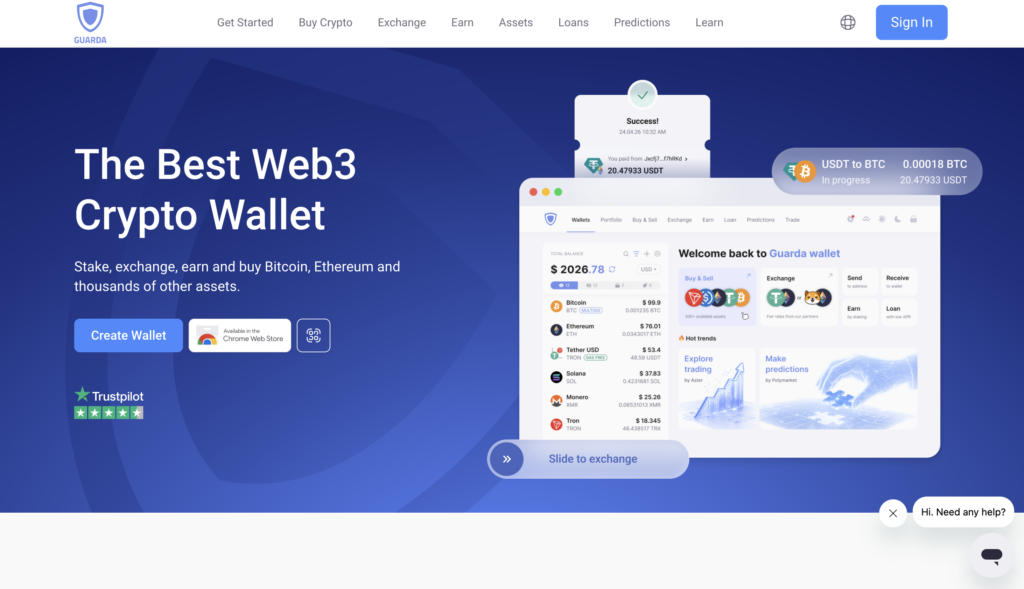
Guarda Wallet is a self-custodial, multi-currency crypto wallet for managing XMR alongside a broader portfolio. It runs on web, desktop, mobile, and browser extension, supports multiple Monero subaddresses, and handles sending, receiving, buying, swapping, and XMR-backed loans in one interface.
What stands out is the focus on reliable execution: key wallet operations, including sending assets and updating balances, maintain a success rate of at least 99.9%. Guarda can also be used with a Ledger hardware wallet to manage XMR, while 24/7 human support is available when a transaction or sync issue needs a real answer.
Best for: Crypto users who manage assets and actions across multiple networks and want self-custody, cross-platform access, reliable execution and live support within one crypto wallet.
Monero GUI — The Official Full-Node Wallet
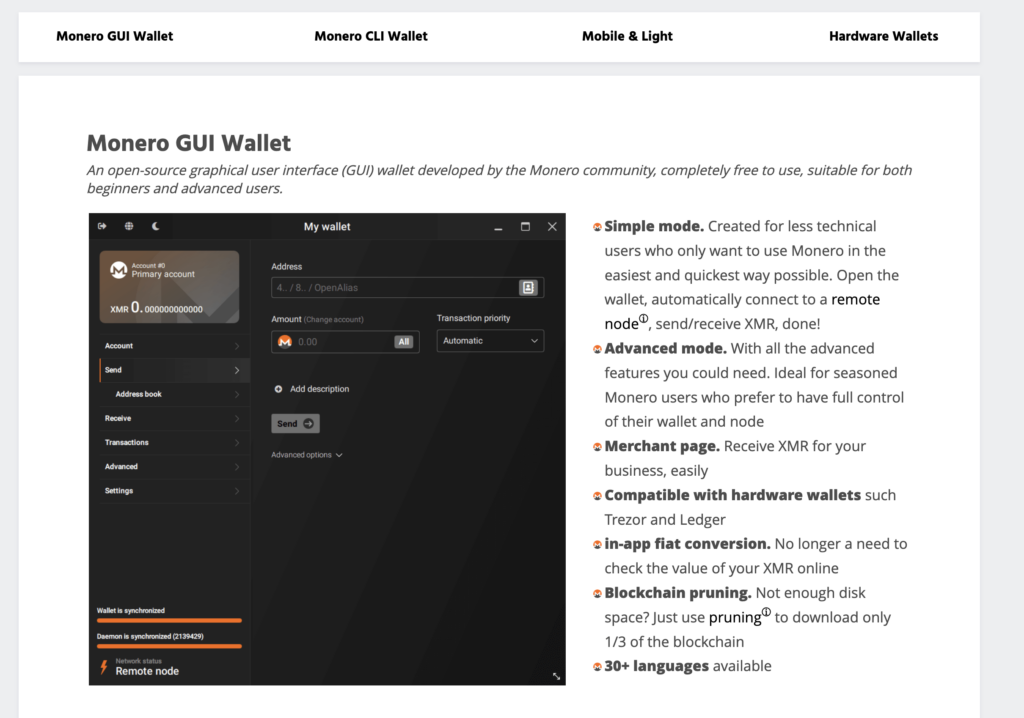
Want the strongest privacy on offer? The official Monero GUI wallet is the yardstick. It runs a full node right on your machine, so you’re checking the blockchain yourself instead of trusting some stranger’s server to tell you what your balance is.
There’s a cost, and it’s a real one. The full Monero blockchain has pushed past 200 GB in early 2026, so that first sync eats disk space and time. Tight on storage? A pruned node trims it to roughly 60 GB. For the purists, that’s just the tax you pay for trusting nobody.
Best for: privacy diehards, professionals, and anyone who wants full self-custody with zero third-party strings attached.
Feather Wallet — Lightweight but Serious
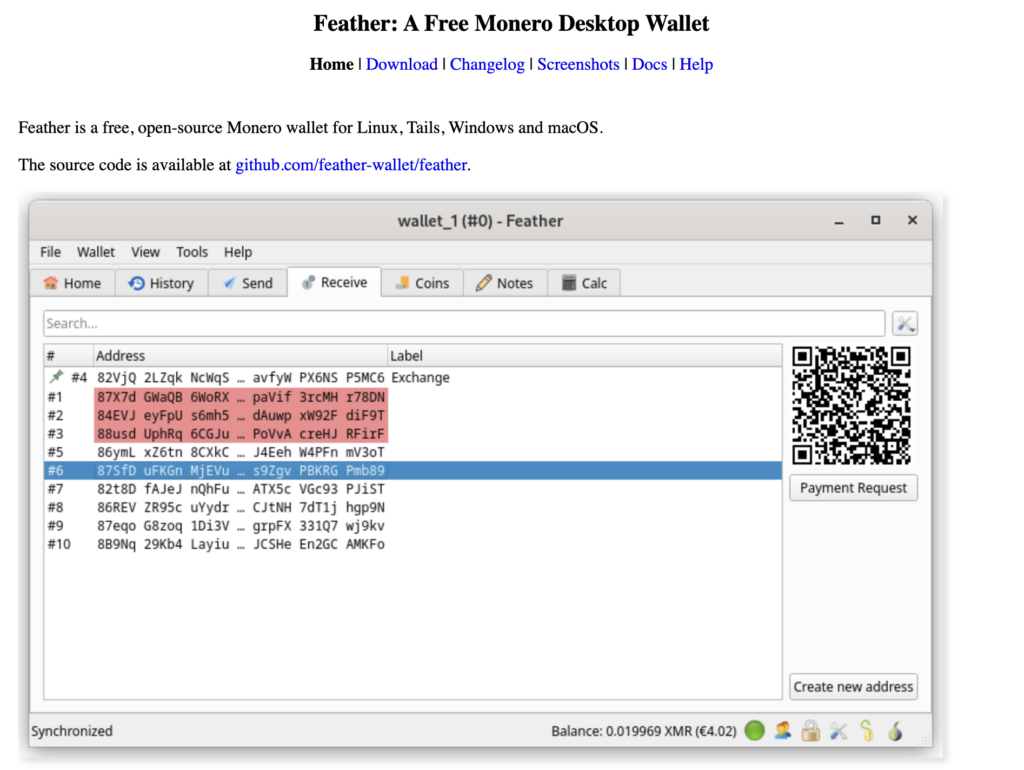
Feather is the wallet power users keep on their desktop, and it’s become one of the most-recommended XMR wallets going in 2026. Open-source, light on resources, Tor built right in, plus coin control, spend proofs, and offline signing for an air-gapped setup — all without shoving you onto someone else’s infrastructure.
What sells it is the balance: quick to run, but it doesn’t quietly gut your privacy the way browser wallets tend to. New wallets get a 16-word Polyseed by default, and Feather plays nice with Ledger and Trezor for hardware signing. No mobile app — that’s deliberate. Feather assumes you’re sitting at a real computer.
Best for: desktop users who want more control than a basic wallet but less hassle than the command line.
Cake Wallet — The Best Mobile All-Rounder
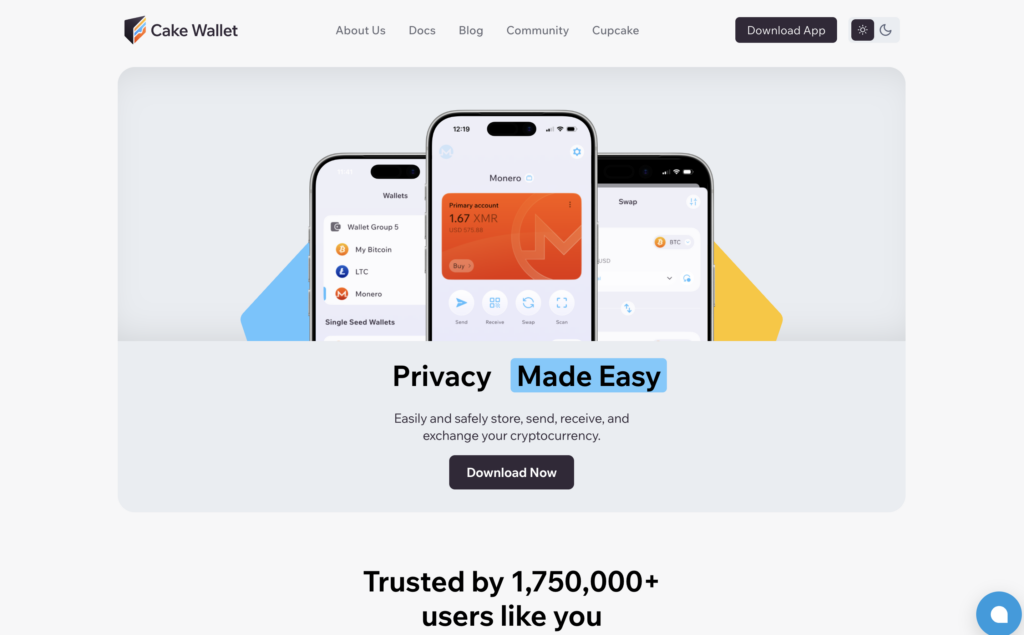
On a phone, Cake Wallet is the easiest safe way in — and it’s where most of the MyMonero refugees are landing. It’s on iOS, Android, and desktop, with a beginner-friendly layout and a built-in exchange, so you can swap in and out of XMR without ever leaving the app.
Its late-2025 redesign tightened up Tor and cleaned up the seed-backup flow. It’s open-source and scans the chain on your device instead of handing keys to the node, which keeps privacy respectable for something this convenient.
Best for: phone users and newcomers who want an easy setup with swaps built in.
Monerujo — Built for Android
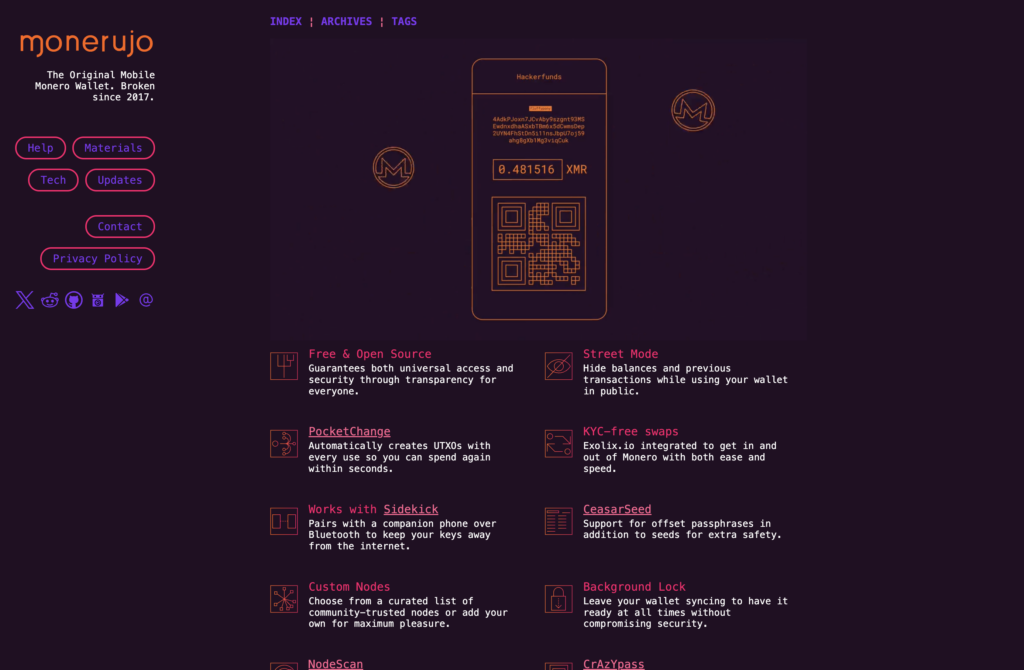
Monerujo is the granddaddy of Android Monero wallets, and it’s still the go-to for people who basically live on their phones. Open-source, connects to your own node or public ones, and juggles multiple XMR accounts in one app.
It also talks to a Ledger over USB-OTG, so you can pair a hardware device with your phone if you want extra cover on a mobile setup. For everyday spending out of a small hot balance, it just works.
Best for: Android-first folks who want something fast, flexible, and privacy-aware.
Ledger or Trezor — Cold Storage for Larger Holdings
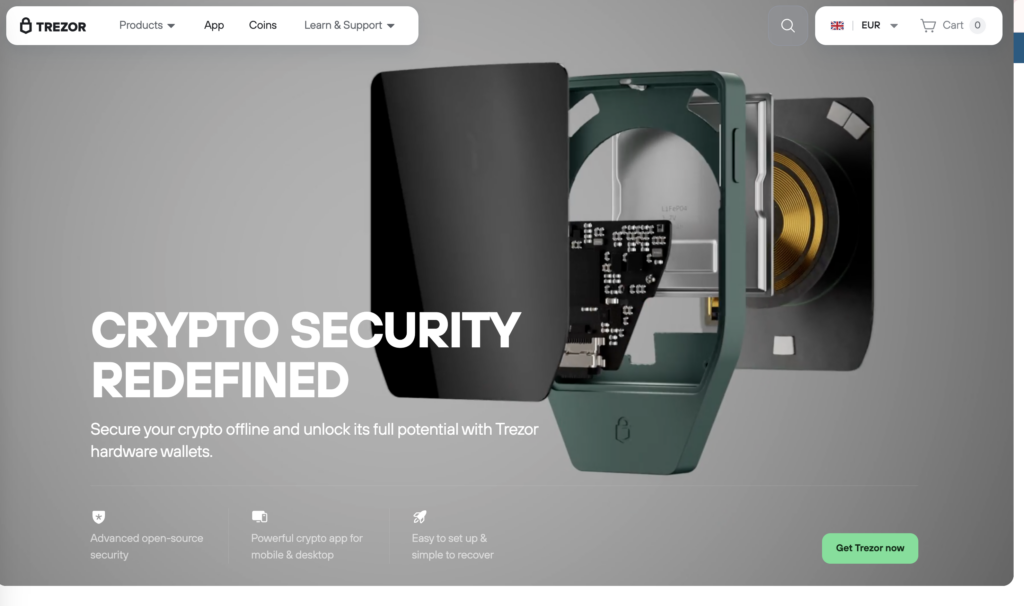
Holding a serious stack for the long haul? A hardware wallet is the safest Monero wallet setup, no contest. A Ledger or Trezor keeps your spend key locked offline in a secure chip, so malware or a hacked PC can’t touch your funds — every send needs you to physically press a button on the device.
Now here’s the bit most guides skip right over. Neither Ledger Live nor Trezor Suite handles Monero on its own. Per Ledger’s own support docs, you plug the device into a companion wallet — Monero GUI or Feather — which does the interface work while your keys stay put on the hardware. Trezor works the same way and is fully open-source, which is why a lot of the Monero crowd leans that direction. Heads-up, though: the newest Trezor Safe 7 doesn’t do XMR yet.
One more quirk to brace for — signing Monero on hardware is slow, because each output gets signed one at a time. Consolidate a pile of small inputs and you’re looking at minutes, not seconds. Trezor’s currently quicker at it than Ledger, for what it’s worth.
Best for: investors and long-term holders sitting on a meaningful amount of XMR.
Which Monero Wallet Should You Choose?
There’s no single best XMR wallet — there’s the one that fits how you use Monero. Find your situation below and skip the agonizing.
- Maximum privacy: Monero GUI running your own full node, ideally on Linux behind Tor. If you can help it, don’t lean on a remote node to scan with your view key.
- Desktop, day to day: Feather, hooked to your own node or a trusted one over Tor.
- Spending on mobile: Cake Wallet (iOS/Android) or Monerujo (Android), with a small hot balance you wouldn’t cry over losing.
- Long-term storage: Ledger or Trezor paired with Monero GUI or Feather, seed phrase written on paper and stashed offline.
The through-line is dead simple: big holdings go in cold storage, spending money goes in a hot wallet. Stack offline, pocket change on the phone.
How to Set Up a Monero Wallet Safely
Setup takes minutes. It’s the habits around it that keep you safe. Whichever wallet you landed on, this order keeps you out of the usual ditches:
- Download from the real source. Monero GUI from getmonero.org, Feather from featherwallet.org, mobile wallets from the official app stores only. Fake installers are a tried-and-true way to lose everything.
- Verify what you downloaded. Check the published hashes or signatures on desktop wallets before you run them — the projects post these for exactly this reason.
- Write the seed phrase down, offline. Your 25-word seed (or 16-word Polyseed) is the master key to the whole thing. Paper only — never a screenshot, a cloud note, or a photo.
- Sort out your node. Running your own is the single biggest privacy jump after handling keys properly; a remote node is handy, but it can see your IP. Building something and don’t fancy self-hosting? You can connect to Monero through a hosted node instead of babysitting a server.
- Send a test first. Move a tiny amount, watch it land, then trust the wallet with more.
And one rule that beats all the others: a legit Monero wallet will never ask for your seed phrase or private key after setup. Anything that does is trying to clean you out. Close it and walk.
Building XMR into an app or wallet yourself? The node question just scales up. NOWNodes offers shared Monero node access, so you can wire up XMR with standard Monero methods without running the infrastructure yourself. And if you’re still weighing where to park bigger holdings, our guide to the best cold crypto wallets digs into the hardware side.
Conclusion
The best Monero wallet in 2026 really comes down to one question: how do you use your XMR? Monero GUI and Feather hand desktop users real control, Cake Wallet and Monerujo keep phone spending painless, and a Ledger or Trezor with a companion wallet parks a long-term stack offline where nobody can get at it.
Whatever you land on, the basics don’t budge. Pull it from the official source, hold your own keys, run your own node where you can, and keep the bulk of your coins in cold storage. Do that, and your wallet stops being the weak link in Monero’s privacy — which, after all the work the network does to keep you covered, is exactly where you want it.
FAQ
What is the best Monero wallet in 2026?
Depends how you use it. Monero GUI wins on raw privacy, Feather is the desktop power tool, Cake Wallet is easiest on mobile and for beginners, and a Ledger or Trezor (with a companion wallet) is the move for long-term cold storage.
What is the safest Monero wallet?
For bigger holdings, a hardware wallet — Ledger or Trezor paired with Monero GUI or Feather — since your spend key never touches an online device. Software-only, it’s Monero GUI running your own full node.
Does Trust Wallet support Monero (XMR) in 2026?
No. Trust Wallet doesn’t natively support Monero — XMR’s privacy design doesn’t fit its multi-coin setup. Any “buy XMR” option there is routing through a third party, and you’ll still need a dedicated Monero wallet to hold the coins.
Can I store Monero on a Ledger?
Yes, just not through Ledger Live. You connect the Ledger to a companion wallet — Monero GUI or Feather — which runs the interface while your keys stay on the device. Trezor’s the same deal.
Is MyMonero still safe to use?
It’s being retired — the project pointed everyone to Cake Wallet and said its server data would be destroyed by 6 February 2026. Still got funds in there? Move them to something maintained like Cake Wallet or Feather.
How long does it take to sync a Monero wallet?
A full-node wallet like Monero GUI pulls the whole blockchain — north of 200 GB in 2026 — so figure a day or more even on an SSD. Lightweight wallets like Cake Wallet and Feather sync in minutes because they skip the full download.
Do I need my own node to use a Monero wallet?
No, but it’s the most private route. Lightweight wallets lean on remote nodes for convenience, which can expose your IP or what you’re receiving; run your own and that trade-off disappears.