
Choosing the best Solana wallet in 2026 is less about finding one universally superior app and more about matching a wallet to what you actually do with SOL. Someone trading tokens every day has different requirements from a long-term holder protecting a large balance on a hardware device.
The Solana wallets available today also do considerably more than store SOL. Depending on the product, a Solana wallet can manage SPL tokens and NFTs, connect to on-chain applications, stake SOL, swap assets, sign transactions, and manage assets across several blockchains.
This guide compares the best Solana wallets for different use cases, including Phantom, Solflare, Backpack, Ledger, Trezor, and Solana Mobile’s Seed Vault Wallet. Security, custody, staking, hardware support, platform availability, and everyday usability matter more here than whichever wallet has the loudest landing page.
What Does a Wallet on Solana Actually Do?
A wallet is the interface between you and your assets on Solana. It manages the cryptographic keys needed to authorize transactions and gives you a readable interface for balances, tokens, NFTs, staking, and applications.
One distinction matters immediately: a self-custody wallet does not literally hold your SOL inside the app. Your assets remain recorded on-chain, while the wallet controls the keys used to authorize activity from your address.
That is why losing access to a self-custody wallet can be serious. There is no bank administrator waiting behind the scenes to reverse a transfer or reset a recovery phrase.
Modern SOL wallets also differ in how those keys are protected. Software wallets generally keep signing credentials on an internet-connected device, while a Solana cold wallet uses dedicated hardware to isolate private keys from the computer or phone handling the transaction.
Why Do You Need One?
You need a wallet whenever you want direct control over SOL or Solana-based assets rather than leaving them with a centralized exchange. It becomes your identity and signing layer for the wider Solana ecosystem.
A Solana crypto wallet can be used to:
- Send and receive SOL and Solana tokens.
- Hold and manage NFTs.
- Connect to DeFi applications.
- Sign transactions and messages.
- Delegate SOL to validators.
- Swap supported assets.
- Interact with applications without creating a conventional username and password.
The exact feature set varies considerably. That is why asking what is the best Solana wallet without defining the use case produces a fairly useless answer.
Which Options Stand Out in 2026?
For most users, Phantom and Solflare remain the strongest software-wallet starting points. Hardware devices from Ledger and Trezor make more sense when protecting private keys offline is the priority, while Backpack and Seed Vault Wallet address more specialized use cases.
Here is the practical Solana wallets list:
| Wallet | Best For | Type | Staking | Hardware Integration | Main Trade-Off |
|---|---|---|---|---|---|
| Phantom | Everyday use | Software | Yes | Ledger | Broader multi-chain focus |
| Solflare | Solana-focused users and staking | Software | Yes | Ledger, Keystone | Less useful outside Solana |
| Backpack | Active Web3 users | Software | Yes | Hardware options available | More advanced product ecosystem |
| Ledger | Long-term storage | Hardware | Yes | Phantom, Solflare and Ledger Wallet | Costs money; extra signing step |
| Trezor | Cold storage with Trezor Suite | Hardware | Yes | Trezor Suite, Backpack, NuFi | Not supported by Phantom |
| Seed Vault Wallet | Solana Seeker users | Hardware-backed mobile | Yes | Built into Seeker hardware | Requires a Seeker device |
Phantom: Best for Everyday Use
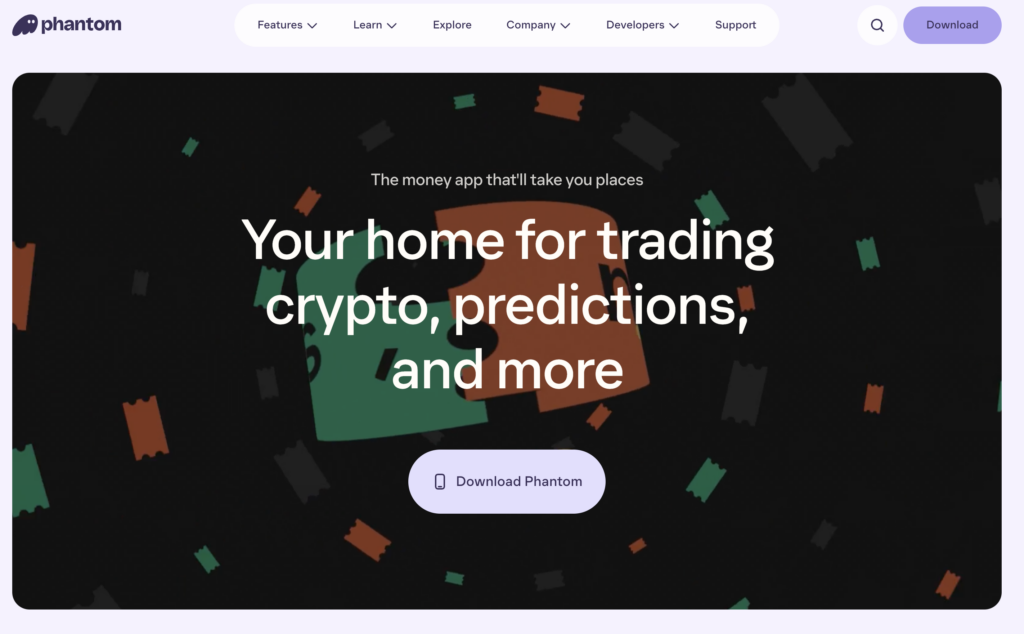
Phantom remains one of the easiest SOL wallets to recommend to someone who regularly uses Solana. Its mobile app and browser extension combine asset management, swaps, staking, NFTs, and application connections without requiring separate tools for routine activity.
It is no longer simply a Solana-only product. Phantom currently supports Solana alongside Ethereum, Base, Polygon, Bitcoin, Sui, Monad, and HyperEVM, making it more relevant to users whose portfolios extend beyond one ecosystem.
That expansion is both an advantage and a trade-off. Multi-chain users can manage more assets from one interface, while someone wanting a narrowly Solana-focused experience may prefer Solflare.
Security-conscious users can connect supported Ledger hardware wallets to Phantom. The hardware device retains the private keys and approves transactions while Phantom acts as the interface.
Best for: beginners, active Solana users, NFTs, DeFi, swaps, and multi-chain portfolios.
Main limitation: Phantom does not support every blockchain or every hardware wallet. For example, its current hardware documentation lists Trezor devices as unsupported.
Solflare: Best for Solana-Focused Staking
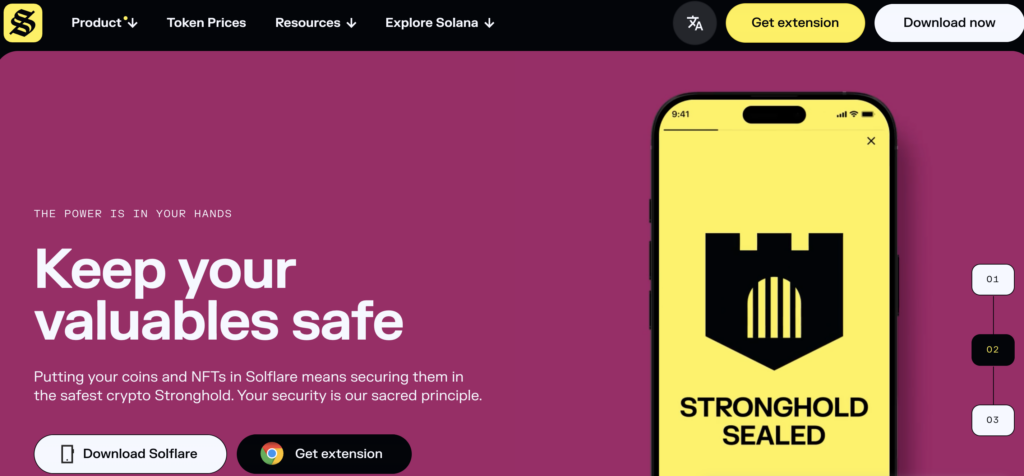
Solflare is a non-custodial wallet built specifically around the Solana ecosystem. It is available through mobile, web, and a browser extension, with built-in functionality for staking, swapping, NFTs, notifications, and Solana applications.
Its staking experience is one of the main reasons to choose it over a more general wallet Solana users might encounter. Users can stake SOL directly through Solflare by selecting an amount and delegating it to a validator.
That makes validator selection more visible than on products that reduce staking to a single yield button. Solflare displays information such as estimated returns, total stake, and validator performance during the delegation process.
Hardware support is another useful feature. Users can connect a Ledger account to Solflare, keeping transaction signing on the hardware device while using Solflare to interact with Solana.
Best for: staking, DeFi, NFTs, and users who primarily operate within Solana.
Main limitation: its Solana specialization is less useful if your main goal is managing many unrelated blockchain ecosystems from one wallet.
Backpack: Best for Active Web3 Users
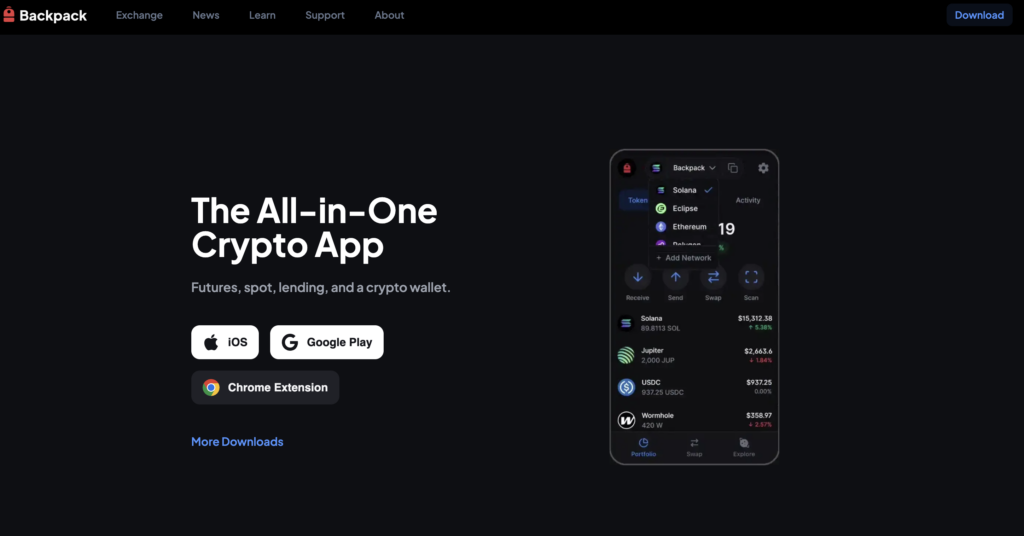
Backpack started as a Solana wallet closely associated with xNFTs, but describing it simply as “the xNFT wallet” is increasingly dated. Today, it sits within a broader product ecosystem that includes wallet functionality and Backpack Exchange.
For Solana users, the appeal is its close connection to trading and on-chain applications. It is better suited to someone already comfortable moving between tokens, applications, NFTs, and trading interfaces than to someone who merely needs somewhere to park SOL.
Hardware compatibility has also broadened. Trezor, for example, lists Backpack as a compatible wallet application for managing Solana with supported Trezor hardware.
That makes Backpack more interesting for experienced users who want a software interface without necessarily keeping their signing keys in a conventional hot-wallet environment.
Best for: active Web3 users, traders, and people who want a wallet closely connected to the broader Solana application ecosystem.
Main limitation: the expanding product ecosystem can feel unnecessarily involved for someone who only wants to receive and hold SOL.
Ledger: Best for Hardware-Backed Storage
A hardware wallet changes the security model. Instead of storing the private key in a conventional browser or mobile environment, the device isolates the key and requires physical approval when signing transactions.
Ledger supports Solana across its current hardware ecosystem, and users can manage and stake SOL through Ledger’s wallet software. Ledger can also be paired with Solana interfaces such as Phantom and Solflare when users want broader dApp functionality.
The combination is useful because hardware and software wallets solve different problems. Phantom or Solflare provides the convenient interface, while Ledger keeps the key on dedicated hardware.
There are compatibility details worth checking before buying hardware specifically for one software wallet. Phantom’s current documentation, for example, supports specific Ledger models differently on mobile and its browser extension, so “Ledger support” does not mean every model works through every connection method.
Best for: long-term holdings, larger balances, and users who want hardware-backed transaction approval.
Main limitation: hardware wallets cost money and make frequent transactions slightly less convenient because signing requires the physical device.
Trezor: Best Alternative Cold-Storage Option
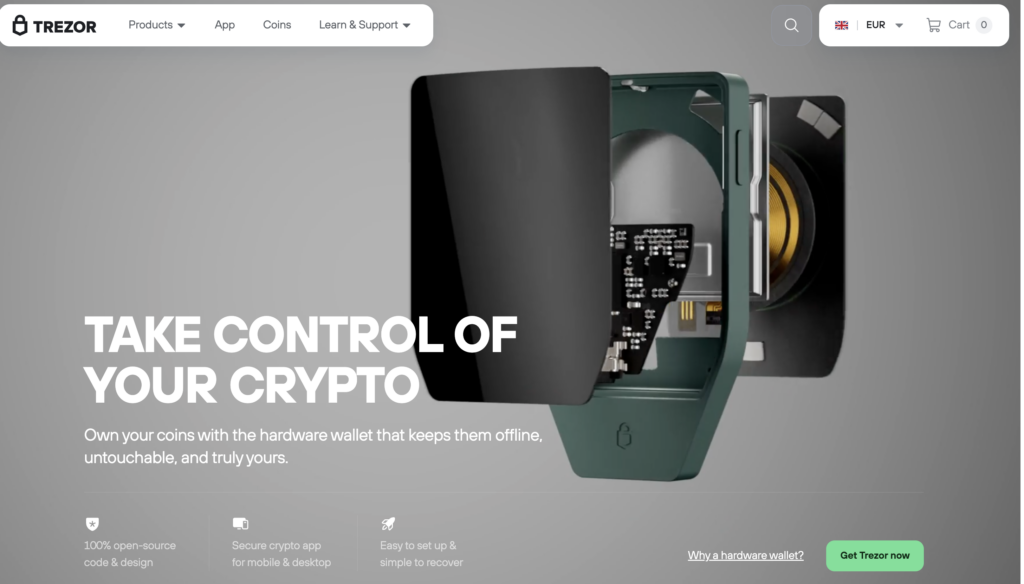
Trezor deserves a much more serious place in a modern top Solana wallets comparison than it did in older Solana guides. Solana support has expanded significantly across Trezor’s current hardware and software stack.
SOL and SPL assets are currently supported on the Trezor Safe 7, Safe 5, Safe 3, and Model T. Solana is also supported directly in Trezor Suite rather than requiring every user to manage it exclusively through third-party software.
Token support has improved as well. Trezor added support for Solana’s Token-2022 standard, expanding the range of Solana assets that can be displayed and transferred through Trezor Suite.
The important caveat is software compatibility. Phantom currently lists all Trezor models as unsupported hardware wallets, while Trezor itself lists Backpack and NuFi among compatible Solana interfaces.
Best for: long-term SOL storage, existing Trezor users, and people who prefer Trezor Suite.
Main limitation: integration with popular Solana software wallets is not universal, so check the exact combination you plan to use before buying a device.
Seed Vault Wallet: Best for Solana Mobile
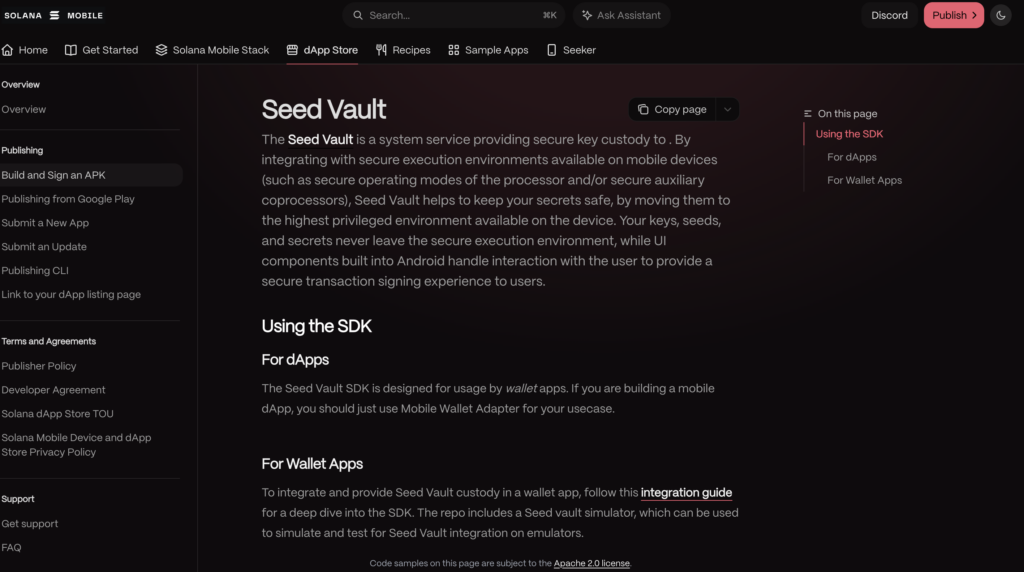
One of the more interesting changes in 2026 is the arrival of Seed Vault Wallet for Solana Seeker. It sits somewhere between the conventional hot-wallet and hardware-wallet categories because the phone itself contains dedicated hardware for protecting signing credentials.
Solana Mobile launched Seed Vault Wallet as the native wallet for Seeker in collaboration with Solflare. It connects directly to the phone’s Seed Vault hardware rather than exposing private keys to ordinary Android applications.
The underlying Seed Vault isolates seed phrases and private keys from Android and other apps. Applications submit signing requests to the protected environment, where users authorize them without the private key leaving the vault.
This is particularly relevant for people who want hardware-backed security without carrying a separate signing device. The obvious constraint is equally important: Seed Vault Wallet is built specifically for Solana Seeker, so it is not a general wallet recommendation for ordinary iPhone or Android users.
Best for: Solana Seeker owners and mobile-first Web3 users.
Main limitation: requires dedicated Solana Mobile hardware.
Hot Wallet vs. Cold Wallet: Which Should You Use?
The practical difference is where your signing keys live. A hot wallet prioritizes convenience, while a Solana cold wallet adds physical separation between the key and the internet-connected device.
| Factor | Software Wallet | Hardware Wallet |
|---|---|---|
| Cost | Usually free | Paid device |
| Daily use | Very convenient | Extra approval step |
| Key environment | Internet-connected device | Dedicated hardware |
| dApp access | Direct | Often through companion wallet |
| Long-term storage | Acceptable with careful security | Better isolation |
| Beginner setup | Easier | More steps |
| Loss/recovery risk | Recovery phrase critical | Recovery backup still critical |
The two approaches are not mutually exclusive. A common setup is to keep a small balance in a software wallet for daily activity and protect larger holdings with hardware.
Another option is connecting a hardware account to a software interface. Phantom, for example, lets users add supported Ledger accounts while keeping the private keys on the Ledger device.
How Should You Choose a Wallet?
Start with what you actually intend to do. A wallet that is excellent for staking may be unnecessary for someone who only wants cold storage, while the most secure hardware device becomes irritating if you approve dozens of low-value transactions every day.
Compare these factors before deciding:
- Custody: Who controls the keys?
- Platform: Do you need mobile, browser, desktop, or hardware?
- Staking: Can you choose validators and manage delegations?
- Token support: Does it handle the Solana assets you use?
- dApp compatibility: Does it work with the applications you need?
- Hardware integration: Can you connect the device or wallet combination you prefer?
- Multi-chain support: Do you need Solana only or several ecosystems?
- Recovery: How is wallet access restored if the device is lost?
There is no useful best SOL wallet without this context. For everyday activity, Phantom is the easiest general recommendation; for Solana-focused staking, Solflare has a stronger specialization; for cold storage, Ledger and Trezor change the security model entirely.
How Do You Set Up a New Wallet Safely?
The exact interface differs, but the basic process is similar across self-custody wallets.
- Download from the official source. Avoid sponsored search results, cloned extensions, and links sent through unsolicited messages.
- Create a new wallet. Let the wallet generate the account and recovery credentials rather than using a phrase supplied by someone else.
- Back up the recovery method offline. Never store a seed phrase in screenshots, cloud notes, email, or chat.
- Set a strong local password or PIN. This protects access to the application or device, although it does not replace the recovery phrase.
- Fund the wallet with a small test transfer. Verify the address and confirm that you can receive the asset before moving a large balance.
- Add hardware protection if appropriate. Larger holdings may justify separating long-term storage from the wallet used for everyday dApps.
Treat every transaction signature as an authorization request, not an annoying popup standing between you and the shiny button you wanted to press. A legitimate-looking interface can still ask a wallet to approve something dangerous.
What Happened to Sollet Wallet?
Sollet wallet still appears in old tutorials and search results, which is precisely why it deserves a warning rather than a recommendation. The project is no longer an appropriate choice for someone creating a new wallet in 2026.
If an old Sollet wallet controls assets you still need, the important thing is the underlying recovery credentials rather than the discontinued interface. Compatible Solana wallets can restore accounts from supported recovery phrases or private keys, but importing sensitive credentials should only be done through software you have independently verified.
This is one of the reasons old wallet rankings age badly. A best wallet for Solana article should evaluate products that are actively maintained now, not preserve a familiar name because Google remembers a tutorial from four years ago.
What Security Mistakes Matter Most?
The biggest wallet risks usually come from key exposure and malicious approvals rather than someone “hacking the blockchain.” A perfectly secure network cannot protect funds after their owner authorizes a malicious transaction.
Never provide a recovery phrase to a website, support agent, Telegram account, Discord moderator, or dApp. Phantom explicitly warns that its support team will never ask for a Secret Recovery Phrase, and the same principle applies regardless of which wallet you use.
Unexpected tokens and NFTs deserve suspicion too. Trezor’s security documentation recommends avoiding interaction with unrecognized tokens because fraudulent assets can be used for phishing and social engineering.
For meaningful holdings, separate storage by purpose. Keep long-term assets away from the account you connect to experimental applications, airdrops, new mints, or anything else where “probably legitimate” is doing more work than it should.
What Is the Best Choice in 2026?
For most people asking what is the best Solana wallet, Phantom is the strongest general-purpose starting point because it combines a straightforward interface with staking, swaps, dApp access, NFTs, multi-chain support, and Ledger integration.
Solflare is the stronger candidate when Solana itself is the priority, particularly for users who actively stake and want validator-level control. Backpack fits more active Web3 users, while Ledger and Trezor are better answers when the central requirement is keeping signing keys on dedicated hardware.
Seed Vault Wallet adds another category for 2026: hardware-backed mobile custody built directly into Solana Seeker. That does not make one wallet universally superior; it simply gives users another security model to choose from.
The sensible setup may even involve more than one Solana crypto wallet. A hot wallet for daily applications and a hardware wallet for larger holdings separates convenience from long-term security instead of forcing one account to do everything.
FAQ
Can I store SOL in a hardware wallet?
Yes. Hardware devices provide a form of Solana cold wallet storage by keeping the private keys used to authorize transactions away from an ordinary internet-connected computer.
Ledger supports Solana accounts and can be used with compatible software interfaces such as Phantom and Solflare. Several current Trezor devices also support SOL and Solana tokens, giving long-term holders more hardware options than older Solana wallets lists suggested.
Can a Solana wallet reverse a transaction?
No. Once a valid Solana transaction has been submitted and finalized, a wallet provider cannot simply cancel it or recover assets sent to the wrong address. Always verify the destination address, token, amount, and transaction request before signing. The friendly wallet interface does not change the irreversible nature of blockchain settlement.
Does switching wallets move my SOL?
Not necessarily. If you restore the same compatible account in another wallet, the SOL remains at the same blockchain address; you are simply using another interface to access it
What is the safest way to back up a Solana wallet?
Keep the recovery phrase offline in a location that other people cannot casually access. Do not store it in screenshots, cloud drives, email drafts, messaging apps, or ordinary notes synchronized across devices.
Can I stake SOL without transferring it to an exchange?
Yes. Several self-custody solana wallets allow users to delegate SOL directly while retaining control through their own wallet. For example, users can stake SOL directly through Solflare rather than depositing the assets with a centralized exchange.